31 Put slides together
A storyboard puts slide clips in order. A shot gives one occurrence of a clip a name. The same clip can appear in more than one shot, but each shot needs its own name.
The examples below are evaluated in one chapter-local session.
31.1 Start a short lesson
This lesson says what a function does, works through one input, and ends with a recap. First make the opening clip:
(define opening (hold-slide (slide #:id 'opening-card #:layout 'title [title "A function is a rule"] [subtitle "A small example: double, then add one."]) #:duration 3))
Next, write the rule card. Its title has a continuity key, written with #:key. It says which title represents the same idea on the next slide. The transition later in this chapter will use it.
(define rule-slide (slide #:id 'rule-card #:layout 'title+two-column [title #:key 'lesson-heading "A function is a rule"] [left (bullets [double "Double the input."] [add "Add one."])] [right (paragraph-content "Input: 3\nDouble it: 6\nAdd one: 7")]))
Now give that card time. Its title starts visible; the left and right regions are revealed in successive beats.
(define rule-clip (build-slide rule-slide #:initial '(title) (beat 'rule #:duration 4 (reveal-slot 'left #:duration 0.5)) (beat 'example #:duration 5 (reveal-slot 'right #:duration 0.5)) (beat 'read #:duration 2)))
The recap has a title and two bullets. Its title has the same continuity key.
(define recap-slide (slide #:id 'recap-card #:layout 'title+body [title #:key 'lesson-heading "A function is a rule"] [body (bullets [rule "The rule is f(x) = 2x + 1."] [example "For input 3, the output is 7."])])) (define recap-clip (build-slide recap-slide #:initial '(title) (beat 'summary #:duration 5 (reveal-slot 'body #:duration 0.5))))
31.2 Join the three clips
A cut switches immediately. A transition occupies its own interval between two shots. A 'match transition uses continuity keys to retain compatible content while it moves into the next layout.
A theme chooses colors, fonts, spacing, and decoration. This lesson uses lecture-light; the following chapter shows how to change that choice.
(define film (storyboard #:id 'function-lesson #:theme lecture-light (storyboard-shot 'opening opening) (storyboard-cut) (storyboard-shot 'rule rule-clip) (slide-transition #:effect 'match #:keys '(lesson-heading) #:duration 0.6) (storyboard-shot 'recap recap-clip)))
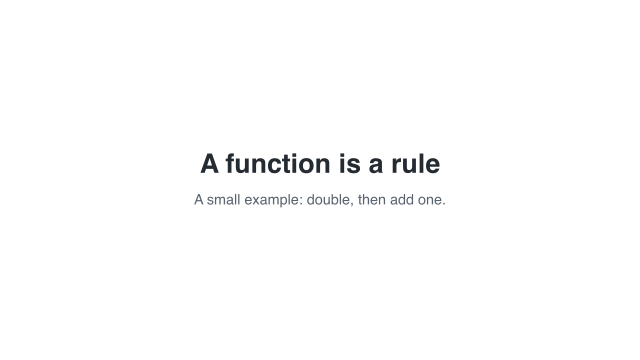 0 s — opening card
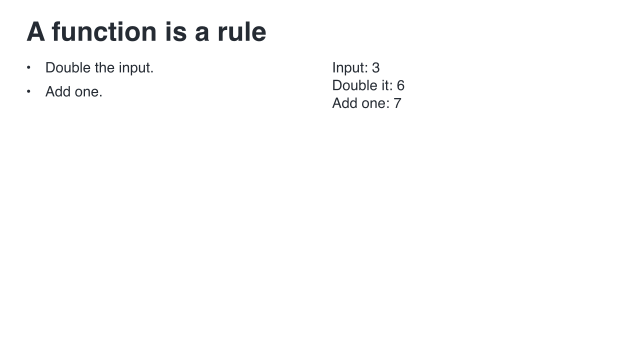 12 s — worked input
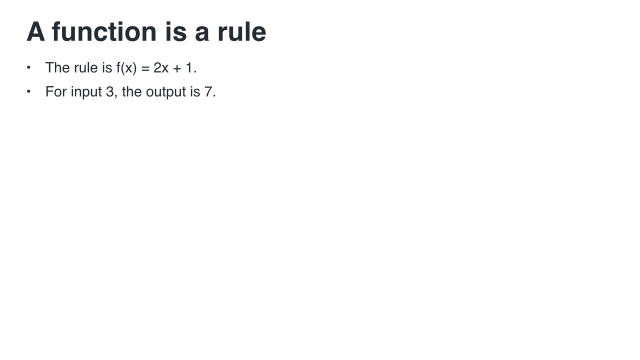 19.6 s — recap
Sample times are measured from the start of this example.
The three images show the opening, the worked input, and the recap. The complete standalone source is "scribblings/examples/slide-lesson.rkt".
31.3 Check the arithmetic of time
The opening lasts 3 seconds, the rule clip 11, and the recap 5. The matching bridge adds 0.6 seconds. Instead of merely stating the total, lower the storyboard to an ordinary Animate Scene and check its duration:
(define animation (storyboard->scene film))
> (= (scene-duration animation) 19.6) #t
Transition time is additional; it is not stolen from a beat. Ordinary transitions hold the source endpoint and the destination starting state still while they blend or move the compositions.
storyboard->pict samples the assembled video. At eight seconds we are inside the long rule-card shot:
> (storyboard->pict film #:at 8)
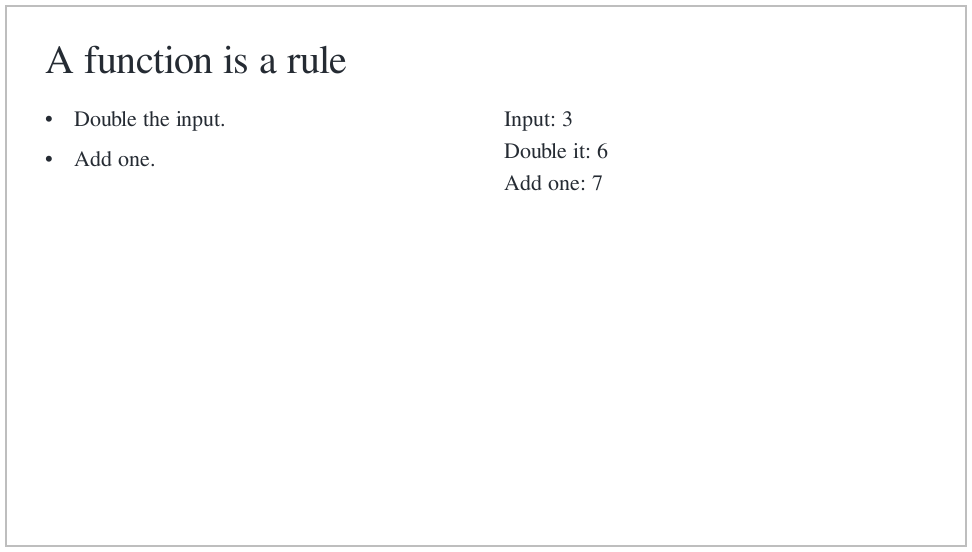
The earlier storyboard->scene call produced the same presentation as an ordinary Scene, which means native Scene tools can work with the visual-only result.
31.4 Look closely at a matching title
The lesson’s two headings occupy similar positions. For a clearer view of matching, use this small example. paragraph-content keeps the title’s text alignment the same on both sides; the slot alignment changes its position.
(define shared-title (paragraph-content "Keep the idea" #:align 'left)) (define before (slide #:layout 'title [title #:key 'topic #:align 'center shared-title] [subtitle "A centered introduction"])) (define after (slide #:layout 'title+body [title #:key 'topic shared-title] [body "The same prepared title moves to its new position.\nOnly the supporting content changes."]))
An easing choice controls progress within the transition. 'smooth starts and ends gently. It does not change the one-second duration.
(define matched-film (storyboard #:id 'manual-title-match #:theme lecture-dark (storyboard-shot 'before (hold-slide before #:duration 1.2)) (slide-transition #:effect 'match #:keys '(topic) #:duration 1 #:easing 'smooth) (storyboard-shot 'after (hold-slide after #:duration 1.8))))
The complete matched storyboard lasts four seconds:
> (= (scene-duration (storyboard->scene matched-film)) 4) #t
 1.2 s — before
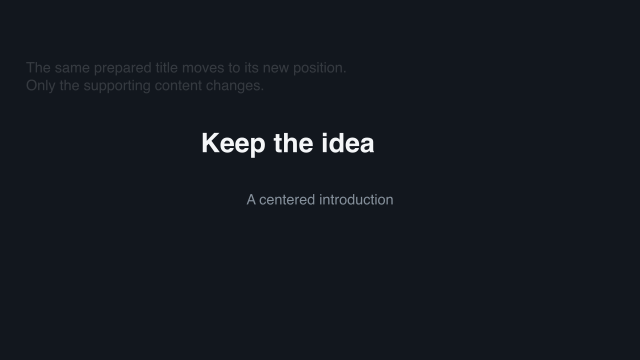 1.45 s — one quarter
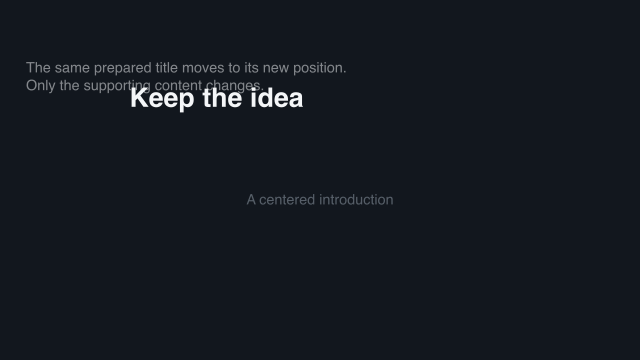 1.7 s — halfway
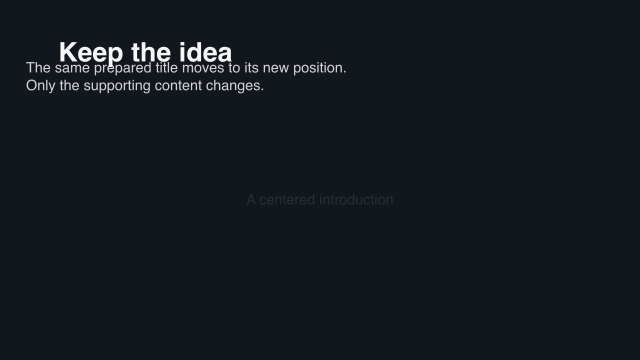 1.95 s — three quarters
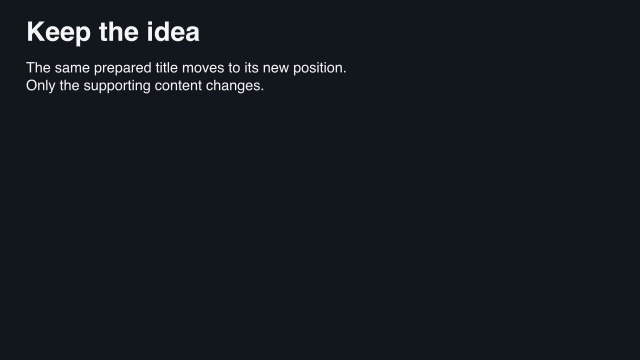 2.2 s — after
Sample times are measured from the start of this example.
The title remains visible as it moves upward. The unmatched supporting content crossfades. Both title endpoints must be visible for a visible match.
31.5 Choose another transition
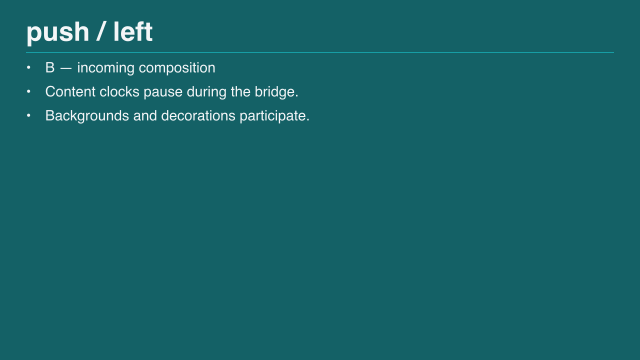
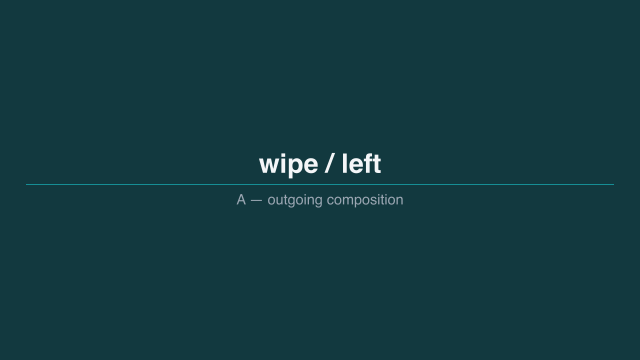
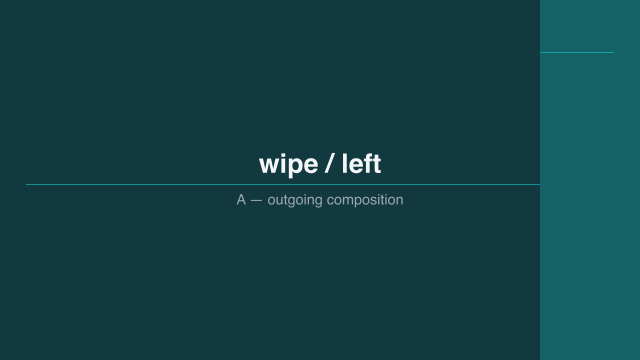
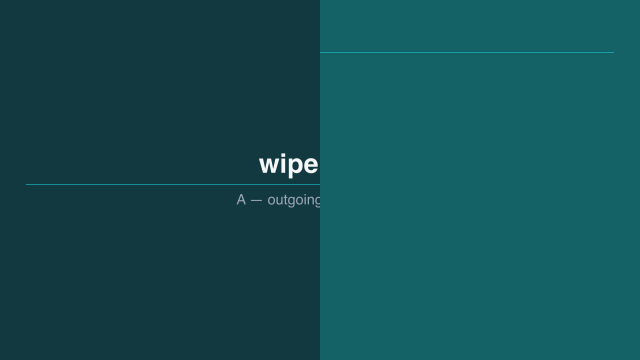
A crossfade changes opacity. A push moves both compositions. A wipe keeps them stationary and moves only the reveal boundary. The two transition descriptions below are executable even though the comparison pictures come from the gallery:
(define push-left (slide-transition #:effect 'push #:direction 'left #:duration 1 #:easing 'smooth)) (define wipe-left (slide-transition #:effect 'wipe #:direction 'left #:duration 1 #:easing 'smooth))
Here are five moments of a leftward push, followed by a wipe with the same travel direction:
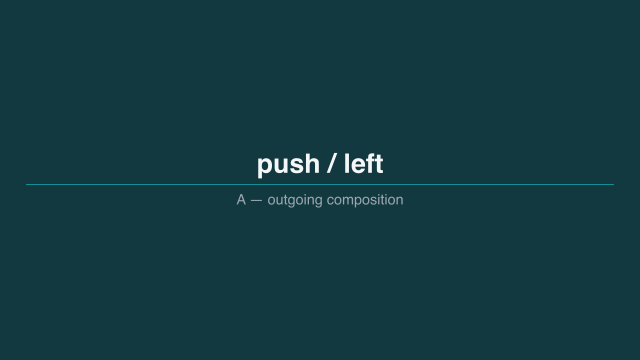 1.2 s — before
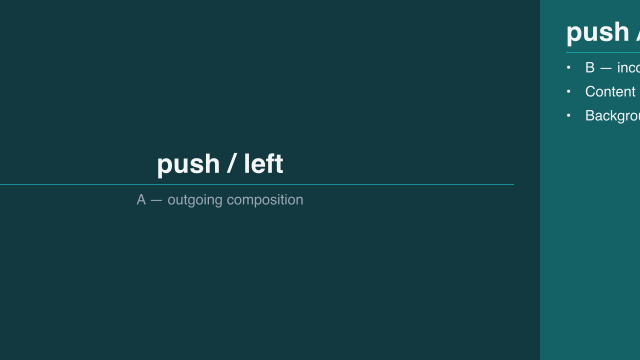 1.45 s — one quarter
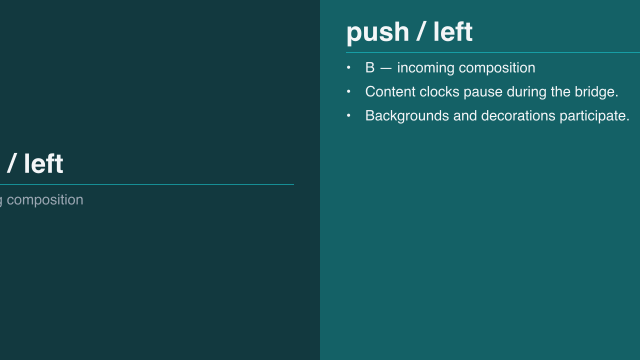 1.7 s — halfway
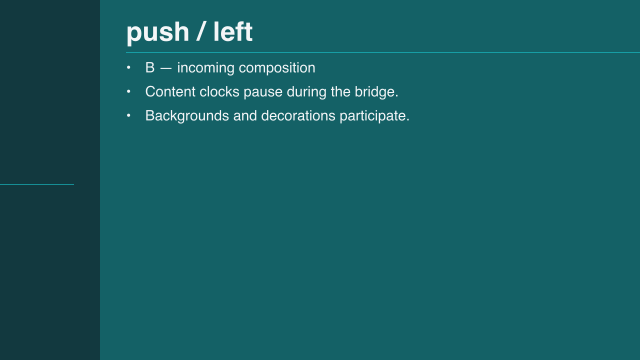 1.95 s — three quarters
 2.2 s — after
Sample times are measured from the start of this example.
 1.2 s — before
 1.45 s — one quarter
 1.7 s — halfway
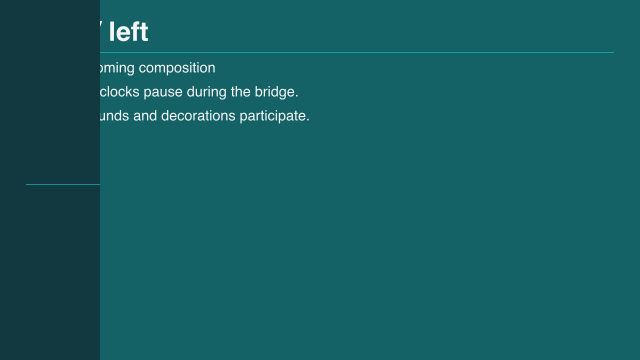 1.95 s — three quarters
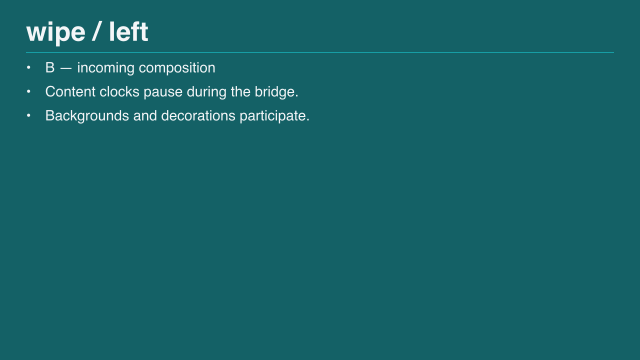 2.2 s — after
Sample times are measured from the start of this example.
For a leftward push, the new slide enters from the right. These comparison frames come from the gallery’s 'push-left and 'wipe-left examples; their contrasting backgrounds make the movement visible. The complete comparison program is "scribblings/examples/transition-gallery.rkt".
See Choose a slide transition for the other effects. Continue with Change appearance and format to change the lesson’s appearance.