25 Quick Start: a moving circle
Make one blue circle move to the right. This chapter assumes basic Racket: require, define, and calling a function. The examples below are evaluated while this manual is built. No video encoder or TeX is needed.
25.1 Describe one object
A Visual is an object Animate can draw. Here it is a circle. (vec2 x y) gives a position: x increases to the right and y increases upward. The units describe the drawing, not output pixels. The circle below has its center three units left of the origin. Its ID, 'moving-circle, is the name we will use to move it later.
(require animate) (define disc (circle #:id 'moving-circle #:center (vec2 -3 0) #:radius 3/4 #:fill "dodgerblue" #:stroke "navy" #:stroke-width 3))
In a source file, put #lang racket/base at the top before these forms.
25.2 Put it in a Scene
A Scene describes an animation, including what happens over time. make-scene starts an empty one. scene-add puts our circle into it. Adding an object does not itself make time pass.
(define initial (scene-add (make-scene) disc))
25.3 See the Scene
Sampling asks for a Scene at one time. scene->pict samples and draws in one operation, producing a Racket Pict. The expression shown below is the expression you would use in DrRacket; the documentation build only scales and frames its resulting Pict for the page.
> (scene->pict initial 0)
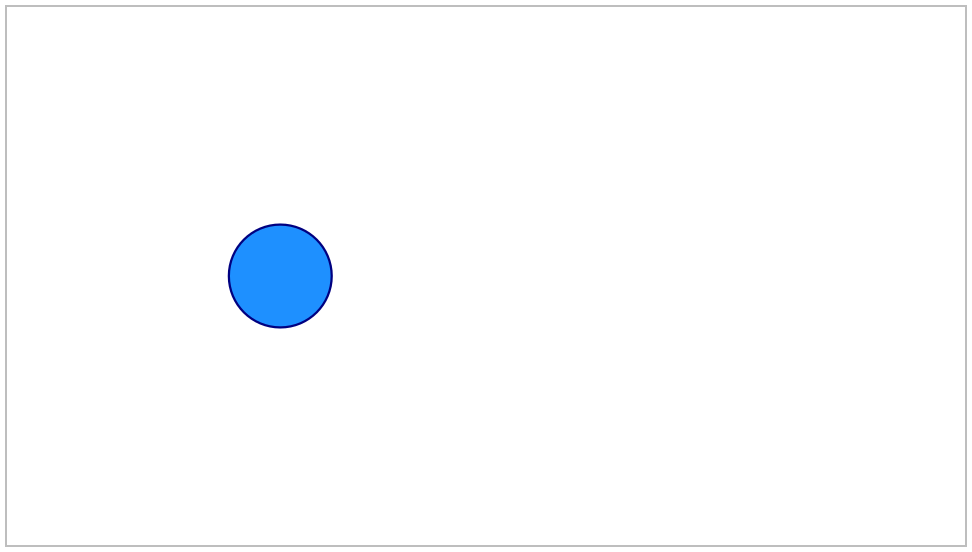
The lower-level scene-sample operation returns a scene state. That state is the immutable collection of Visual values at the requested time; scene-state->pict can draw such a state explicitly.
25.4 Give it a movement
move-to describes a requested change. scene-play adds that change to our Scene. #:duration 1 gives the movement one second. The result is a new Scene; initial still describes the unmoving starting point.
(define movement (scene-play initial (move-to 'moving-circle (vec2 3 0)) #:duration 1))
The duration claim is checked as part of the documentation build:
> (scene-duration movement) 1
 0 s
0 s 0.25 s
 0.5 s
0.5 s 0.75 s
 1 s
1 s
Sample times are measured from the start of this example.
The frames are evenly spaced in time. The circle moves at constant speed because we have not selected a different speed curve.
To inspect one exact time without making a movie, sample and draw the Scene directly:
> (scene->pict movement 1/2)
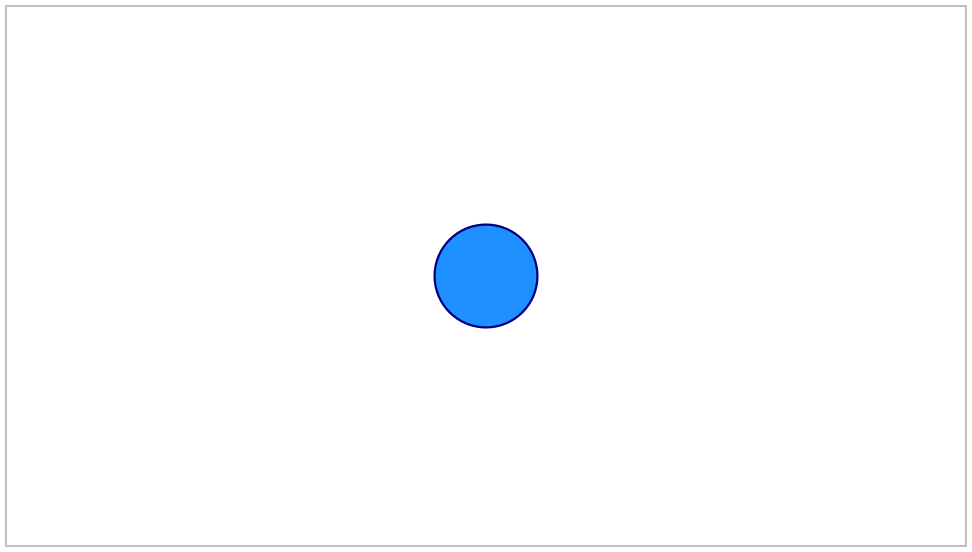
The midpoint is also available as semantic state, independently of the pixels:
> (visual-position (scene-state-ref (scene-sample movement 1/2) 'moving-circle)) (vec2 0 0)
25.5 Keep the result visible
scene-wait adds time without changing the picture. This adds half a second at the right-hand end, bringing the total to 1.5 seconds.
(define animation (scene-wait movement 1/2))
> (scene-duration animation) 3/2
A complete standalone version is "scribblings/examples/moving-circle.rkt". The checked-in frame strip is generated from that maintained example; the short expressions above are independently executed by Scribble so stale Guide code fails the manual build.
Continue with Save frames and make a video to save pictures and a movie, or Build a small scene to build a larger native Scene.