36 Animate a 3D object and its camera
Use the box and Scene from Make a first 3D picture. The complete standalone version of this chapter is "scribblings/examples/spatial-motion.rkt".
Each short example below starts from the same still Scene. They are alternatives, not successive changes to one variable. The documentation evaluator reconstructs that starting Scene privately and forces software 3D rendering.
36.1 Turn the object inside the view
A spatial path names an object inside a view. The path '(model brick) starts with the view’s ID and ends with the object’s ID. Use it when the object should change but the surrounding window should stay put.
axis-angle makes a rotation from an axis and an angle in radians. y-axis3 is the positive y axis. An angle of (/ pi 2) is a quarter turn. This is an orientation change, not a count of repeated full turns.
(define object-motion (scene-play still (rotate3d-by '(model brick) (axis-angle y-axis3 (/ pi 2))) #:duration 2))
> (scene-duration object-motion) 2
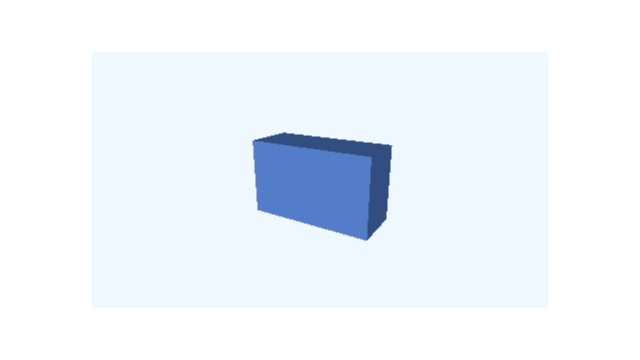 t = 0 s
 t = 1/2 s
 t = 1 s
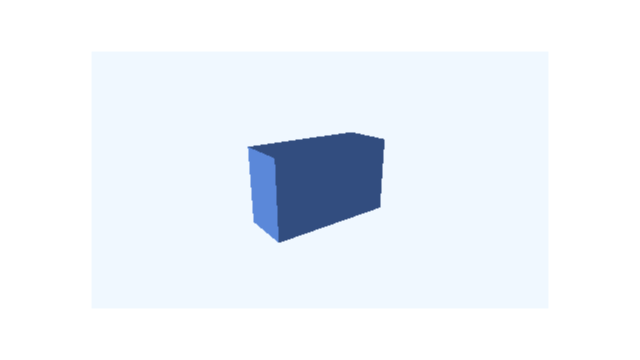 t = 3/2 s
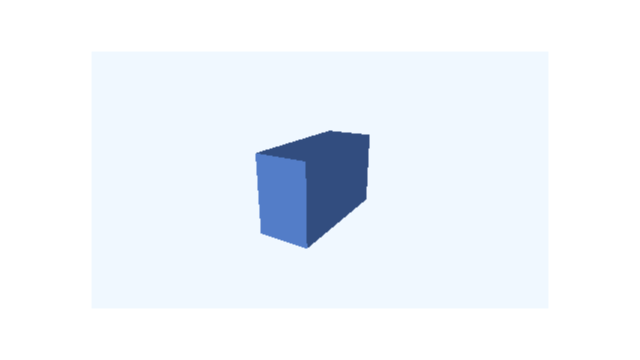 t = 2 s
Frames sampled directly from this example; times are in seconds.
The box turns; its 3D camera and the rectangle containing the picture remain unchanged. scene-play supplies the duration just as it did in 2D.
To change the box’s position instead, use a 3D point:
(define translated-object (scene-play still (move3d-to '(model brick) (vec3 1 0 0)) #:duration 2))
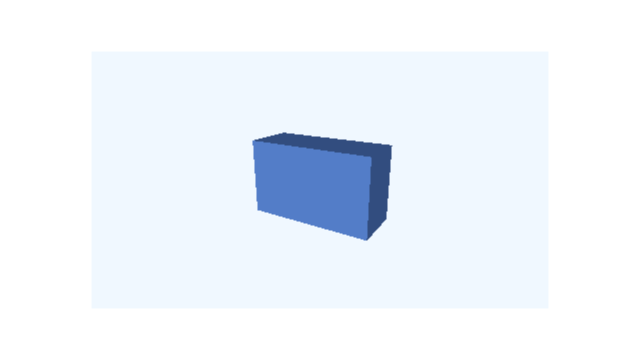 t = 0 s
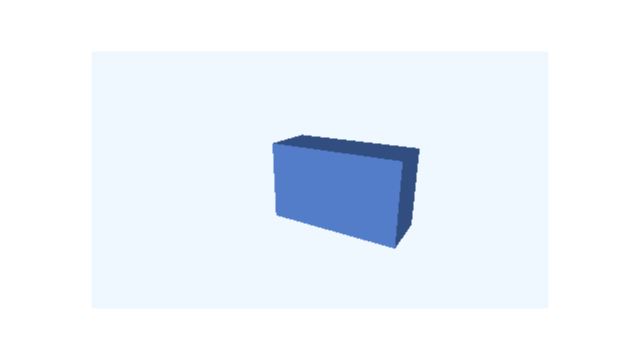 t = 1 s
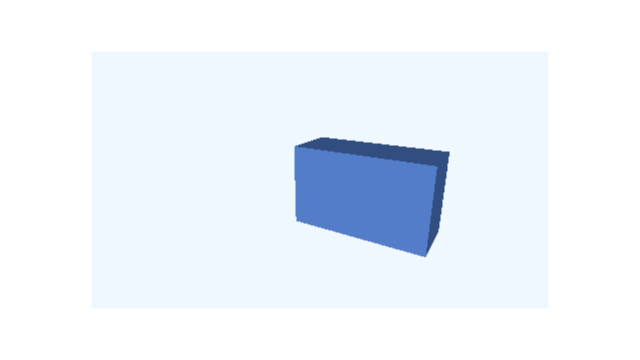 t = 2 s
Frames sampled directly from this example; times are in seconds.
This moves the box in the view’s spatial coordinate system. Use group3d to move several objects together. Each child then has a position relative to that group. A path through a group might be '(model assembly brick).
36.2 Move the camera around the object
A camera request names only the owning view, 'model. camera3d-orbit-by moves the 3D camera around a point while keeping it looking at that point. Its default centre is the origin. #:azimuth is the horizontal orbit angle, in radians.
(define camera-motion (scene-play still (camera3d-orbit-by 'model #:azimuth (/ pi 2)) #:duration 2))
> (scene-duration camera-motion) 2
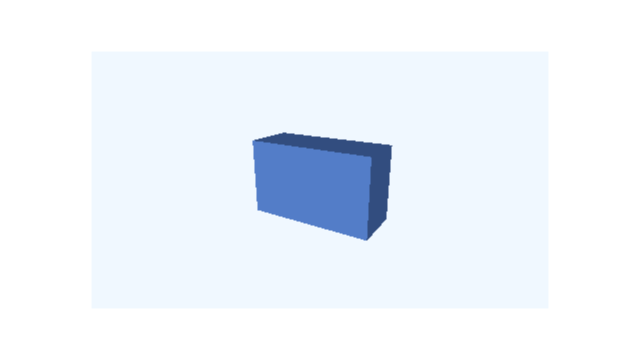 t = 0 s
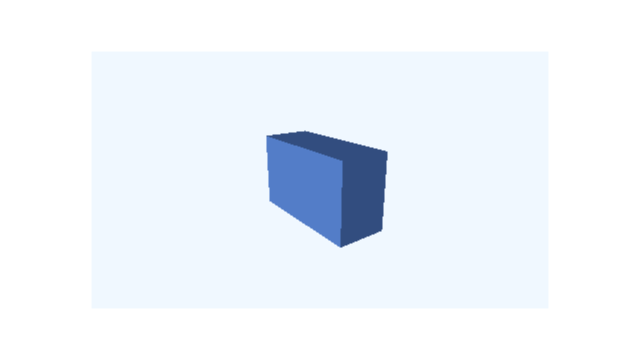 t = 1/2 s
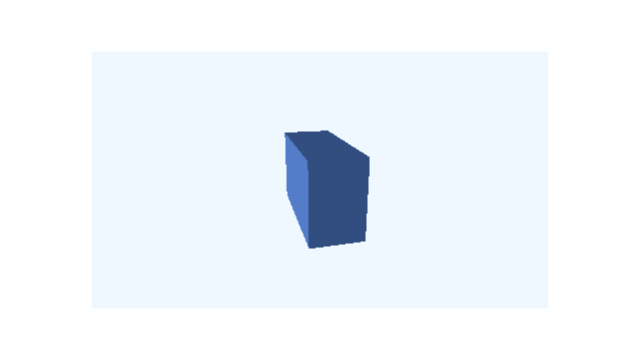 t = 1 s
 t = 3/2 s
 t = 2 s
Frames sampled directly from this example; times are in seconds.
The box itself has not moved. It looks different because we see it from another side. The window stays at the same place on the page.
36.3 Move the whole window
The view is an ordinary 2D Visual, so ordinary move-to moves the whole window. This time the target is 'model and the destination is a vec2, not a vec3.
(define panel-motion (scene-play still (move-to 'model (vec2 2 0)) #:duration 2))
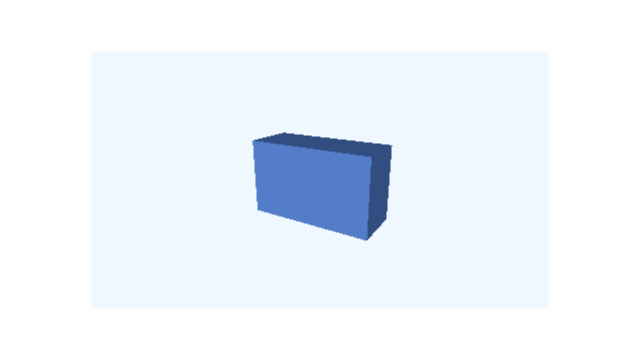 t = 0 s
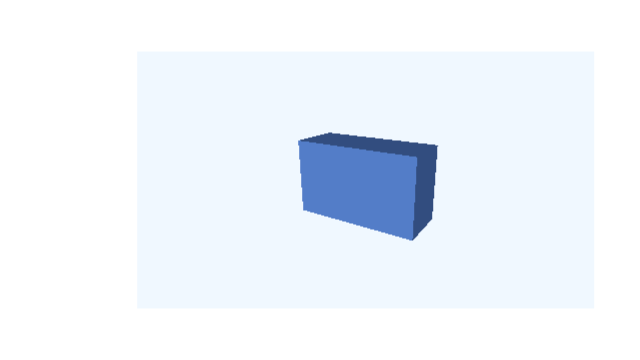 t = 1 s
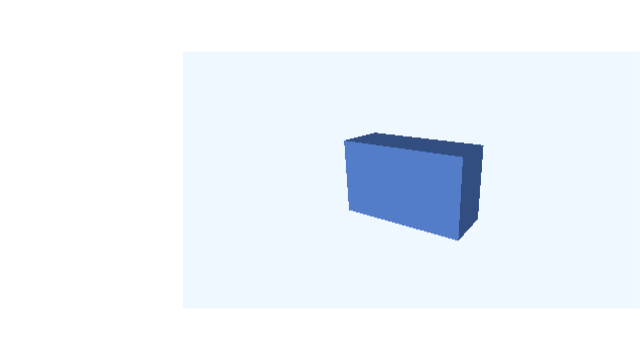 t = 2 s
Frames sampled directly from this example; times are in seconds.
The box and its camera keep their relationship. Only the placement of their picture within the surrounding Scene changes.
Change |
| Target |
| Operation |
Box position |
| '(model brick) |
| |
Box orientation |
| '(model brick) |
| |
3D viewpoint |
| 'model |
| |
Window on the page |
| 'model |
|
36.4 Build a complete six-second sequence
First turn the object for two seconds. Hold it for one second. Then orbit the camera for two seconds and hold again. A small function lets us reuse this timing with or without a surrounding heading:
(define (make-lesson initial) (define turn (scene-play initial (rotate3d-by '(model brick) (axis-angle y-axis3 (/ pi 2))) #:duration 2)) (define read-turn (scene-wait turn 1)) (define orbit (scene-play read-turn (camera3d-orbit-by 'model #:azimuth (/ pi 2)) #:duration 2)) (scene-wait orbit 1)) (define lesson (make-lesson still))
The timing claim is executable:
> (scene-duration lesson) 6
> (scene->pict lesson 6)
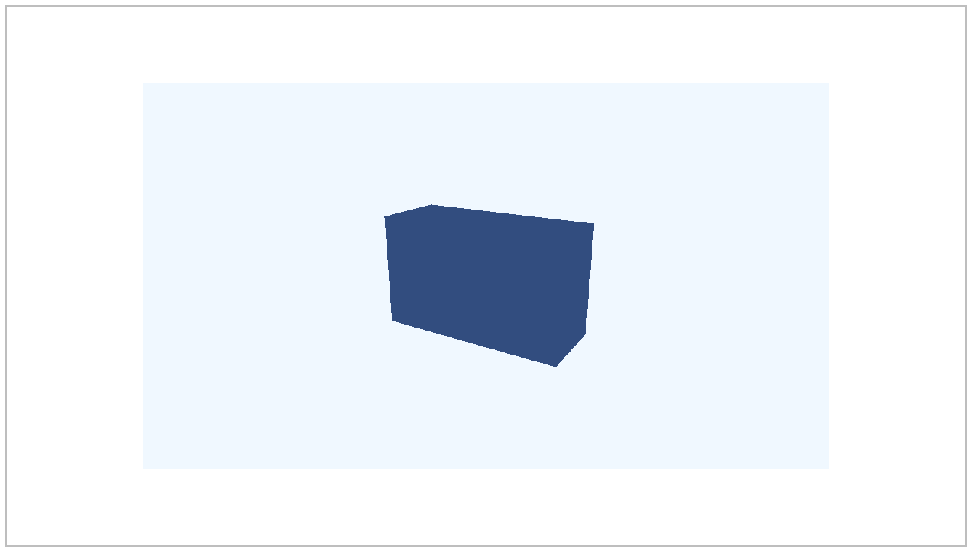
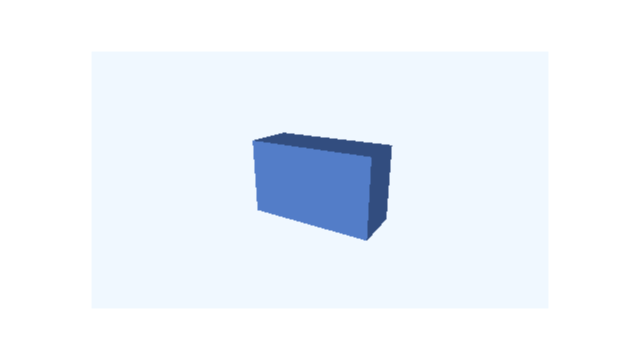 t = 0 s
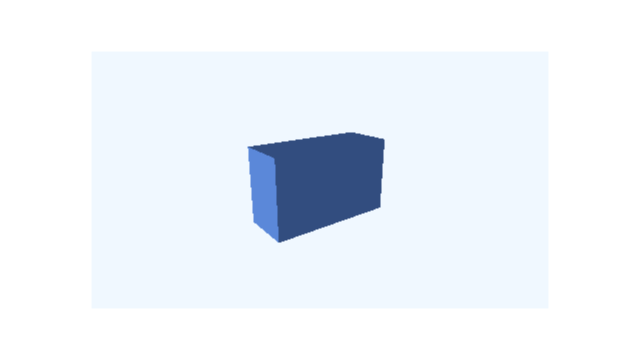 t = 3/2 s
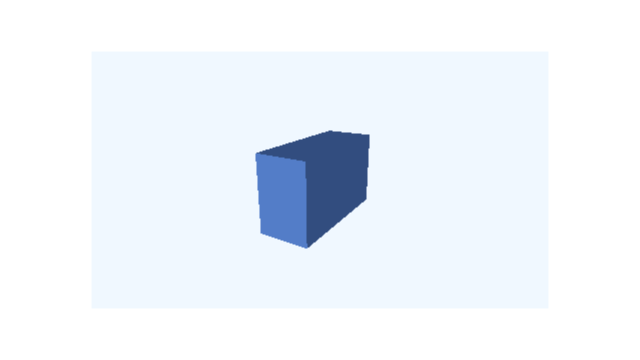 t = 3 s
 t = 9/2 s
 t = 6 s
Frames sampled directly from this example; times are in seconds.
The lesson value is an ordinary Scene. Use the frame and MP4 commands from Save frames and make a video with this value. Add a final hold whenever the finished picture needs time on screen: a video’s frame grid does not normally include the exact endpoint as an extra frame.
The software renderer works without an OpenGL window. OpenGL is a separate, optional rendering choice with its own restrictions; it is not required for any example in this route. Next, Combine 3D with text and slides adds text and a slide.