30 Make a slide and give it time
The examples below are evaluated while the manual is built.
30.1 Write a title card
(define welcome (slide #:id 'welcome #:layout 'title [title "Solving equations"] [subtitle "Keep both sides equal."]))
The names title and subtitle are part of the slide syntax. They are not variables you must define.
A slide is a description with no duration of its own. Draw it directly with slide->pict:
> (slide->pict welcome)
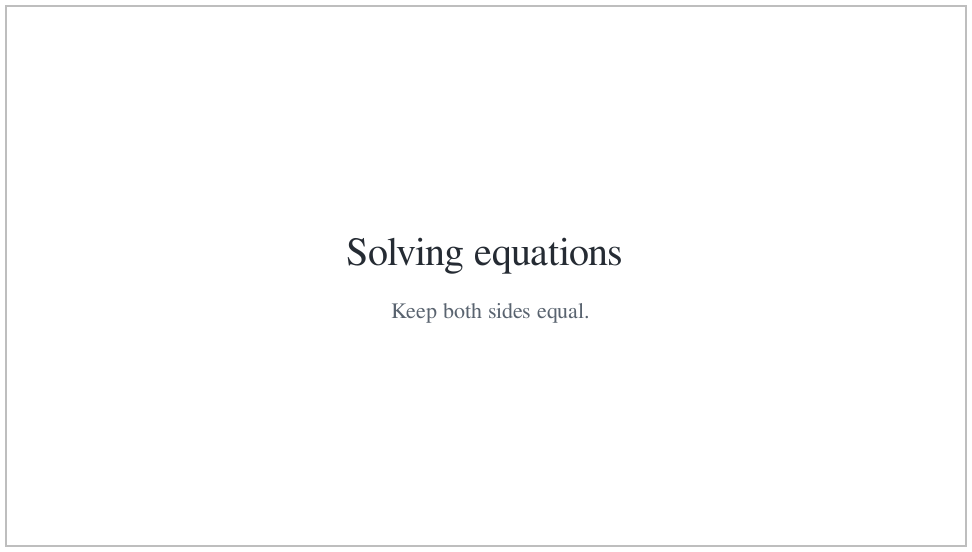
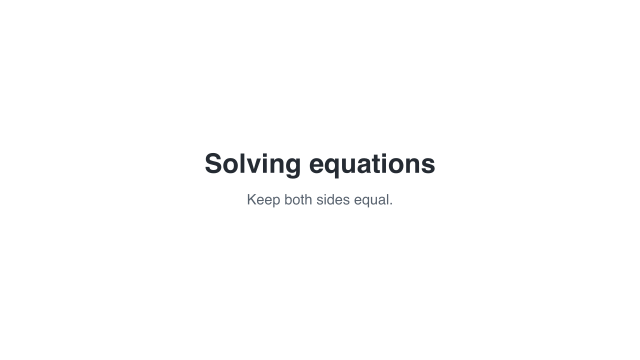 Fully populated title card
A still picture; it has no playback duration.
A plain slide lowered to an ordinary Scene has duration zero. The documentation build checks that statement:
> (scene-duration (slide->scene welcome)) 0
30.2 Make a clip
A slide clip gives the slide a timed presentation. hold-slide makes a clip that keeps the populated card unchanged for a chosen duration.
(define held-title (hold-slide welcome #:duration 3))
A clip retains its authored duration when lowered to an ordinary Scene:
> (scene-duration (slide->scene held-title)) 3
30.3 Reveal the title, then the subtitle
For changes within the card, use build-slide. A beat is a named interval in the clip. Beats run one after another. An action describes a change within a beat. reveal-slot is an action that makes content appear.
Here, both slots start hidden. The title takes 0.4 seconds to fade in during a one-second beat. The subtitle starts in the next beat.
(define opening (build-slide welcome #:initial 'hidden (beat 'heading #:duration 1 (reveal-slot 'title #:duration 0.4)) (beat 'explanation #:duration 3 (reveal-slot 'subtitle #:duration 0.5))))
The clip lasts four seconds. The action durations fit inside their beats; they are not added to the beat durations:
> (scene-duration (slide->scene opening)) 4
 0 s — both slots hidden
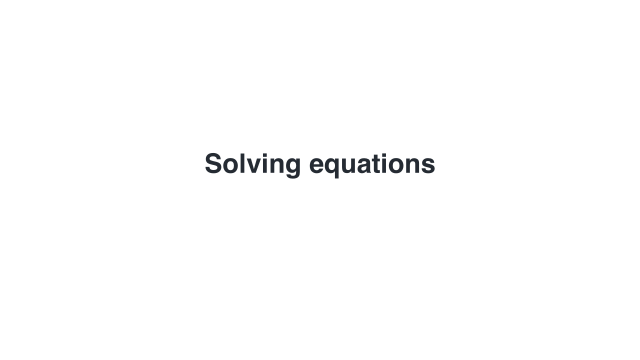 1 s — title visible
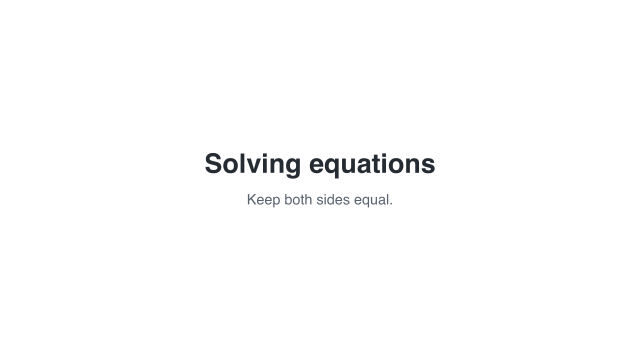 4 s — title and subtitle visible
Sample times are measured from the start of this example.
Hidden slots keep their places, so the subtitle does not move when the title appears.
30.4 Give individual bullets names
bullets makes a list whose items can be targeted separately. The item names are not printed. A selector such as '(body identity) means the item named identity inside the body slot.
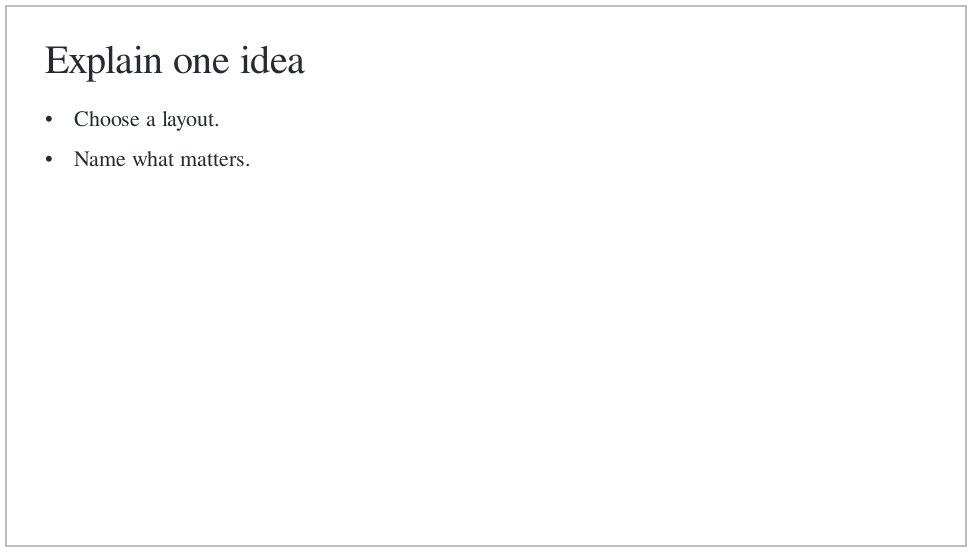
(define card (slide #:id 'layout-title+body #:layout 'title+body [title "Explain one idea"] [body (bullets [structure "Choose a layout."] [identity "Name what matters."] [timing "Reveal it at the right moment."])])) (define clip (build-slide card #:initial 'hidden (beat 'heading #:duration 0.7 (reveal-slot 'title)) (beat 'structure #:duration 0.9 (reveal-slot '(body structure))) (beat 'identity #:duration 0.9 (reveal-slot '(body identity))) (beat 'timing #:duration 0.9 (reveal-slot '(body timing))) (beat 'read #:duration 1.6)))
 0 s — empty start
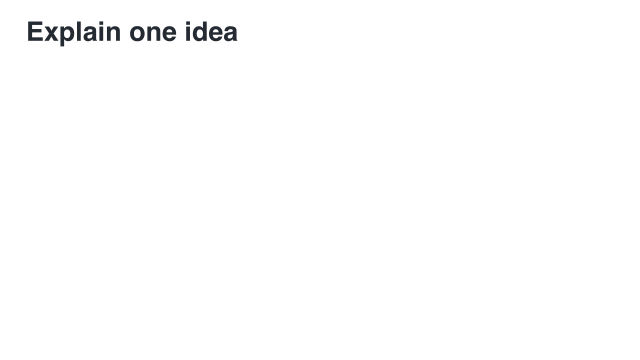 0.7 s — heading
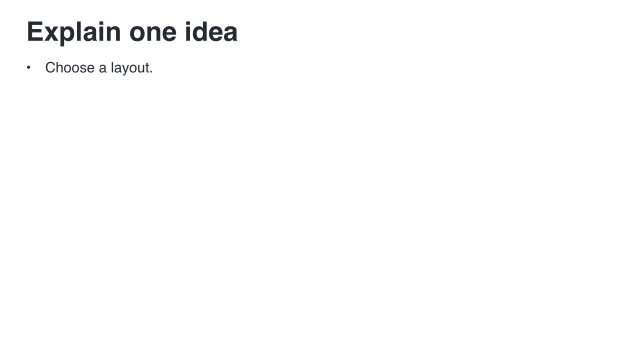 1.6 s — first bullet
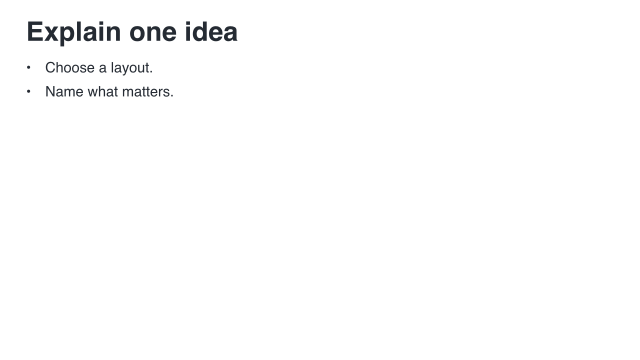 2.5 s — second bullet
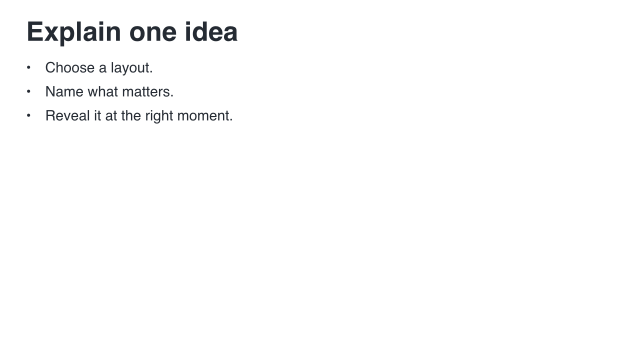 3.4 s — all three bullets
Sample times are measured from the start of this example.
The five frames show the empty start, heading, and three settled bullet states. The last beat simply leaves the completed list on screen.
To inspect a named boundary directly, ask slide->pict for that point in the clip:
> (slide->pict clip #:at '(identity end))
30.5 Actions within a beat
Two actions in one beat start together. Add #:at to delay one relative to the start of that beat. For example, this body reveal starts half a second later:
(define delayed-card (build-slide (slide #:layout 'title+body [title "One beat"] [body "The body starts later."]) #:initial 'hidden (beat 'show #:duration 2 (reveal-slot 'title #:duration 0.4) (reveal-slot 'body #:at 0.5 #:duration 0.4))))
conceal-slot fades content out; it does not free layout space. emphasize-slot briefly enlarges visible content and restores its size. The slot entrance and exit effects are 'fade and 'instant; the slide transition effects in the next chapter are a different vocabulary.
Continue with Put slides together. Complete standalone programs for the main examples are "scribblings/examples/first-slide.rkt" and "scribblings/examples/builds.rkt".