27 Build a small scene
The Quick Start moved one circle. Now give a circle and a square separate jobs, then put them in a group. You need only the Quick Start for this chapter. The examples are evaluated while the manual is built. A complete standalone version is "scribblings/examples/objects-and-groups.rkt".
27.1 Give each object a name
Start a #lang racket/base file with (require animate), then define the two objects. Width, height, radius, and position use the drawing’s world units.
(require animate) (define dot (circle #:id 'dot #:center (vec2 -1 0) #:radius 1/2 #:fill "dodgerblue" #:stroke "navy")) (define tile (rectangle #:id 'tile #:center (vec2 1 0) #:width 1 #:height 1 #:fill "gold" #:stroke "sienna"))
dot is a Racket variable. 'dot is the ID stored inside the Visual. The variable lets your program hold a value; the ID lets Animate find an object in a Scene. Keeping their spellings alike is convenient, but it is not required.
Each top-level object needs a different ID. Reusing 'dot for a second object in the same scene state is an error. Two Racket variables can refer to the same Visual, but that does not make two independently movable objects.
27.2 Move just one object
First add both objects. Before asking either object to move, look at that starting Scene:
(define separate (scene-add (make-scene) dot tile))
> (scene->pict separate 0)
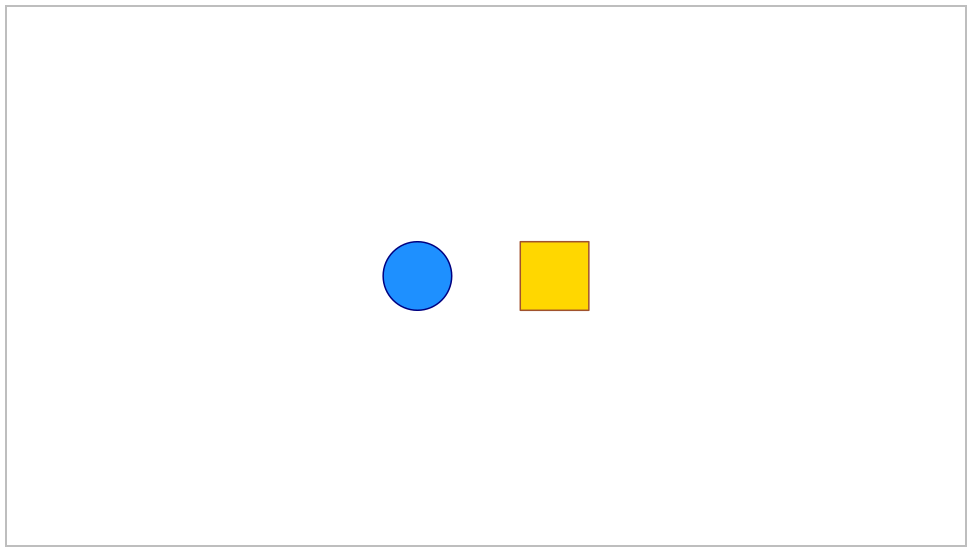
Adding the square after the circle puts it in front when their pictures overlap. Here they start apart. Now target only the circle:
(define one-moves (scene-play separate (move-to 'dot (vec2 -1 2)) #:duration 2))
> (scene-duration one-moves) 2
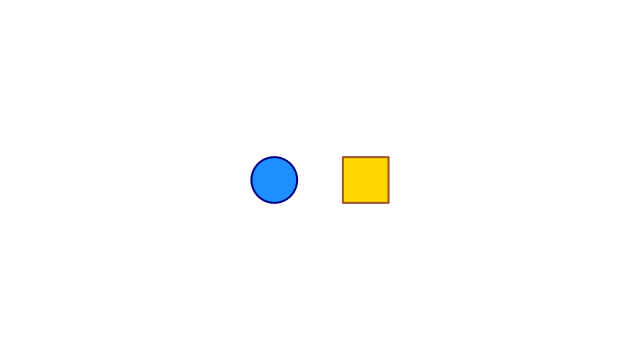 t = 0 s
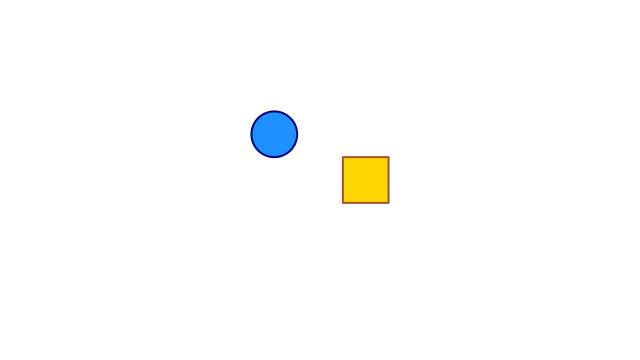 t = 1 s
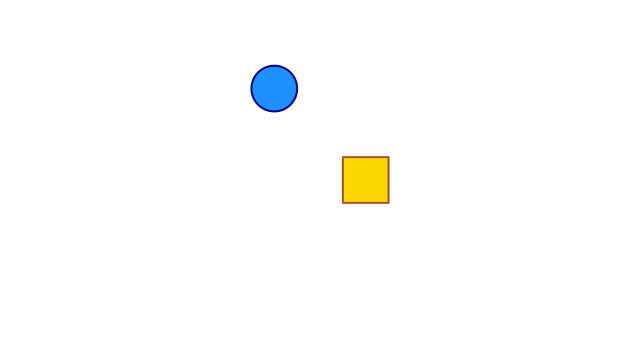 t = 2 s
Only the circle moves; the square stays where it was.
The square does not move. move-to targets 'dot, not everything in the Scene. The change also does not rewrite the Racket variable dot. The returned Scene contains the movement; the earlier Scene separate still describes the two starting objects.
27.3 Move several objects together
A group holds objects that should travel together. Give the group its own ID, then add the group rather than adding its children separately. The list is drawn from back to front, just like top-level objects.
(define pair (group (list dot tile) #:id 'pair #:center (vec2 1 0))) (define grouped (scene-add (make-scene) pair))
Here is the grouped Scene before it moves:
> (scene->pict grouped 0)
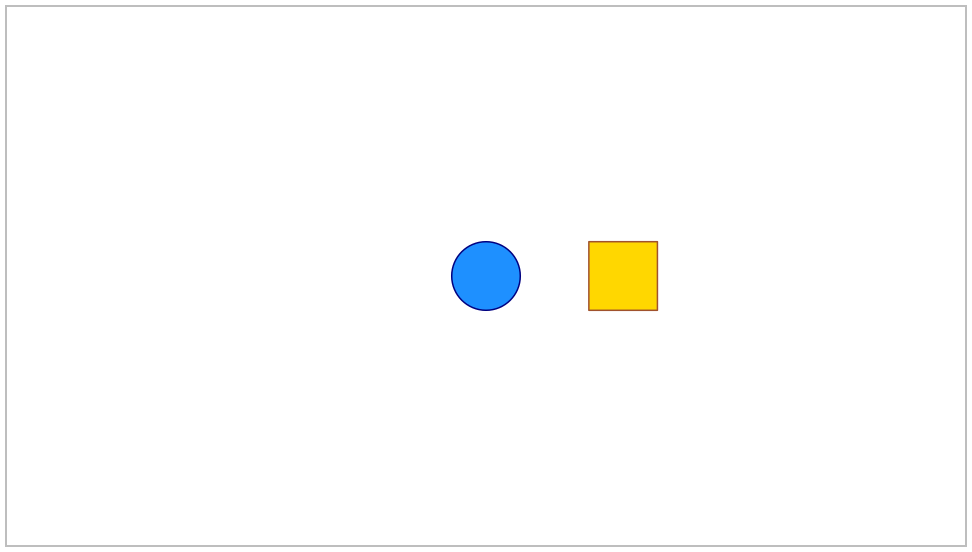
A child’s position is now local: it is measured from the group’s origin. This group starts at (vec2 1 0). Its circle is one unit left of that point, so the circle starts at world position (vec2 0 0). Its square starts at (vec2 2 0). Grouping is not a command that discovers and collects objects already on screen; it constructs a new composite Visual.
Now move the group two units to the left:
(define group-moves (scene-play grouped (move-to 'pair (vec2 -1 0)) #:duration 2))
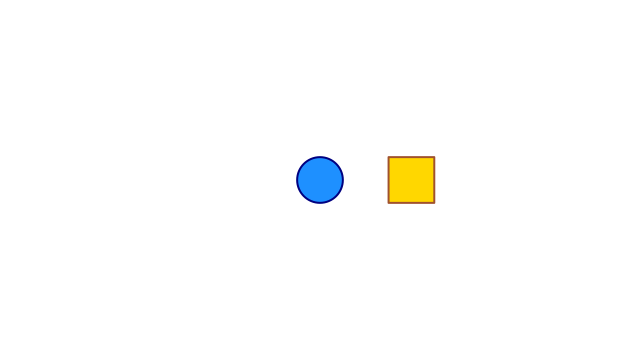 t = 0 s
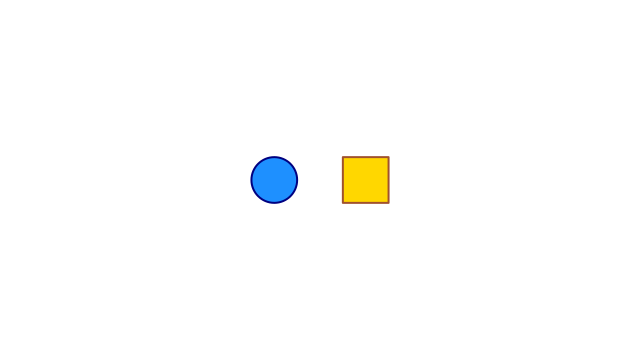 t = 1 s
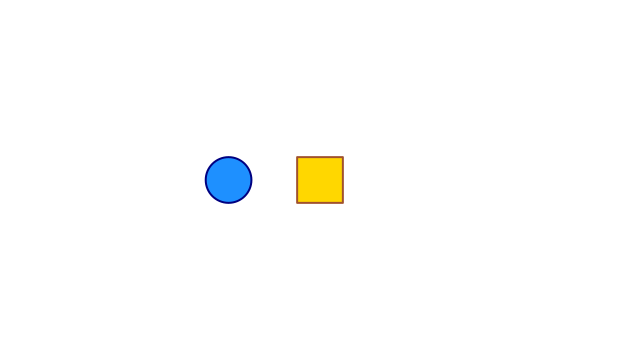 t = 2 s
The whole group moves. The distance between its children stays fixed.
The children’s local positions stay the same. Their displayed positions change because their parent moves. This is useful for a label and its diagram, a row of symbols, or axes and their graph.
27.4 Move one child inside a group
A Visual path is a list of IDs leading from a top-level group to one of its children. '(pair dot) means the child 'dot inside 'pair. A path names an object; it is not a list of positions to visit.
This is a separate alternative built from grouped, not a continuation of group-moves:
(define child-moves (scene-play grouped (move-to '(pair dot) (vec2 -1 2)) #:duration 2))
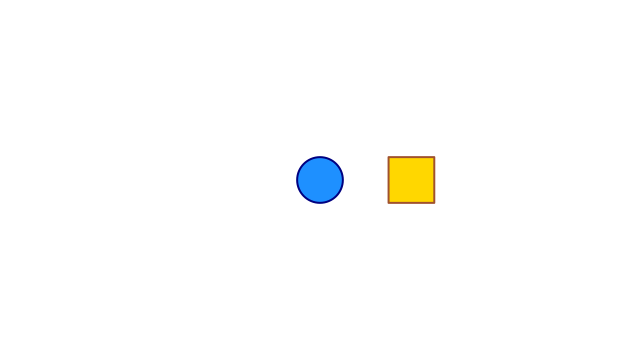 t = 0 s
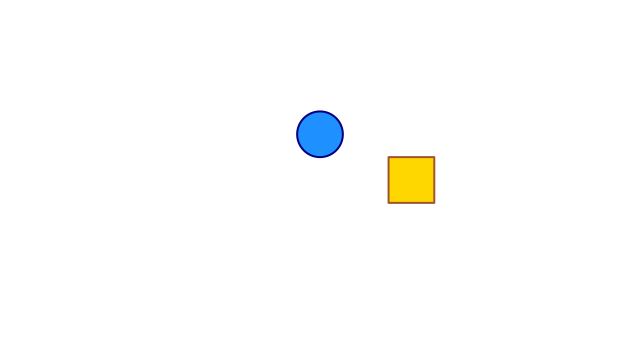 t = 1 s
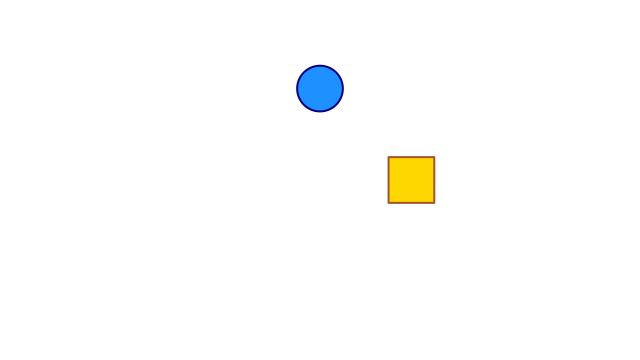 t = 2 s
The circle moves in its parent's coordinates. The square stays fixed.
Before inspecting coordinates, look at the completed Scene:
> (scene->pict child-moves 2)
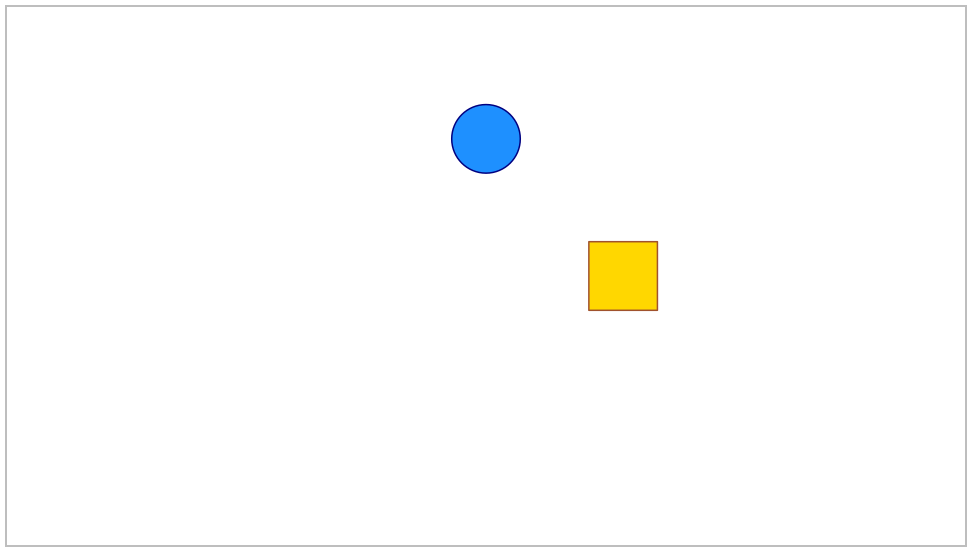
The destination (vec2 -1 2) uses the group’s local coordinates. Since the group is at (vec2 1 0), the circle ends at world position (vec2 0 2). The square stays fixed. scene-visual-at takes a Scene, a target, and a time. visual-position then reads the returned object’s local reference position. The result below is checked during the documentation build:
> (visual-position (scene-visual-at child-moves '(pair dot) 2)) (vec2 -1 2)
The same child ID can occur in different branches: '(left dot) and '(right dot) are different paths. Siblings still need distinct IDs.
27.5 Try one change
Change the group’s centre from (vec2 1 0) to (vec2 2 0). Before running it, predict the circle’s final world position in child-moves. It is (vec2 1 2); the child’s stored local position is still (vec2 -1 2).
Continue with Control time and visibility to decide when changes start and finish. The related Cookbook tasks are at Common Scene tasks.