11 Common Scene tasks
Use these recipes after the first Scene lessons. Each code block is evaluated when the manual is built. The small result below a recipe is also checked, so a change in Animate that invalidates the example makes the documentation build fail.
11.1 Move one part of a diagram
Put related Visuals in a group, then address a child by its Visual path. The destination is in the group’s local coordinates.
(define recipe-dot (circle #:id 'dot #:center (vec2 -1 0) #:radius 1/2 #:fill "dodgerblue" #:stroke "navy")) (define recipe-tile (rectangle #:id 'tile #:center (vec2 1 0) #:width 1 #:height 1 #:fill "gold" #:stroke "sienna")) (define recipe-pair (group (list recipe-dot recipe-tile) #:id 'pair #:center (vec2 1 0))) (define grouped-scene (scene-add (make-scene) recipe-pair)) (define child-moves (scene-play grouped-scene (move-to '(pair dot) (vec2 -1 2)) #:duration 2))
Here is the completed movement. The documentation build evaluates the displayed scene->pict call; it only scales the resulting Pict for the page.
> (scene->pict child-moves 2)
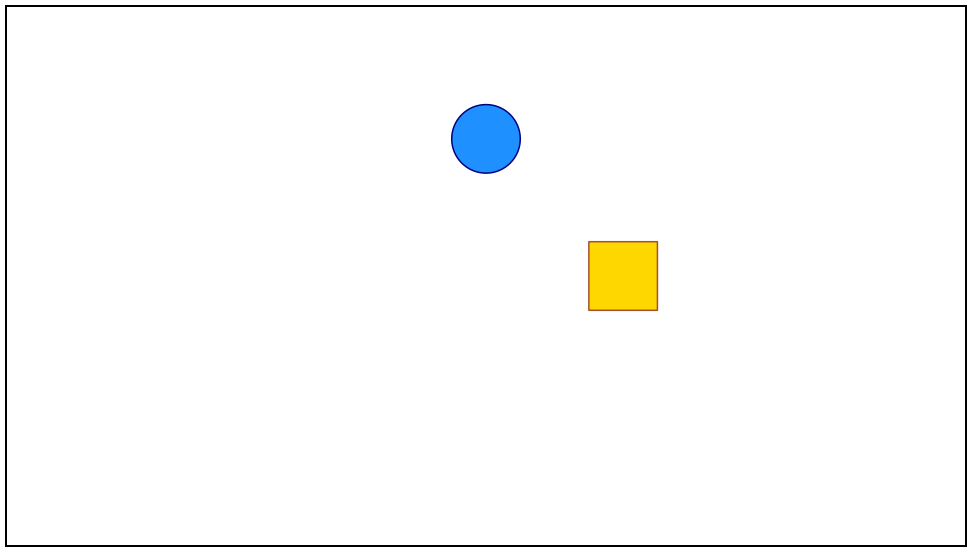
> (scene-duration child-moves) 2
> (visual-position (scene-state-ref (scene-sample child-moves 2) '(pair dot))) (vec2 -1 2)
Do not confuse a Visual path such as '(pair dot) with a geometric movement route. For the longer explanation, see Move one child inside a group.
11.2 Start the second animation later
Use timed when two requests share one play clip but start at different times.
(define delay-dot (circle #:id 'delay-dot #:center (vec2 -3 1) #:radius 1/2)) (define delay-tile (rectangle #:id 'delay-tile #:center (vec2 -3 -1) #:width 1 #:height 1)) (define delay-start (scene-add (make-scene) delay-dot delay-tile)) (define delayed-scene (scene-play delay-start (timed (move-to 'delay-dot (vec2 3 1)) #:start 0 #:duration 2) (timed (move-to 'delay-tile (vec2 3 -1)) #:start 1/2 #:duration 2) #:duration 5/2))
At 3/2 seconds both objects are moving, but the second one started later:
> (scene->pict delayed-scene 3/2)
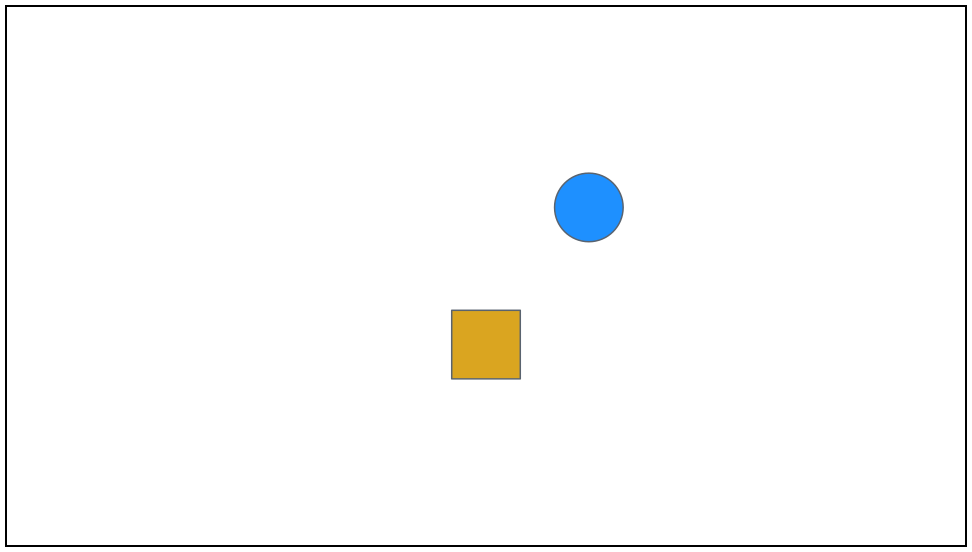
> (scene-duration delayed-scene) 5/2
The outer duration includes the delay. For two non-overlapping steps, two ordinary scene-play calls are usually simpler. See Delay the second start.
11.3 Bring a faded object back
First decide whether the object is transparent or absent. fade-to changes opacity but keeps the target in the Scene; fade-out removes it.
(define restore-dot (circle #:id 'restore-dot #:center origin #:radius 1/2)) (define restore-start (scene-add (make-scene) restore-dot)) (define invisible (scene-play restore-start (fade-to 'restore-dot 0) #:duration 1)) (define removed (scene-play restore-start (fade-out 'restore-dot) #:duration 1))
Before comparing invisible and absent states, here is the object they start with:
> (scene->pict restore-start 0)
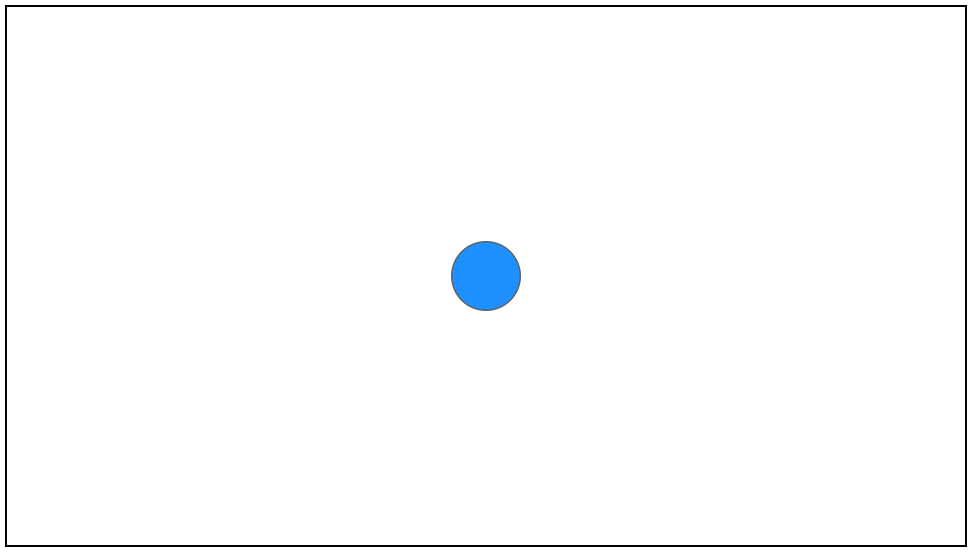
> (scene-state-has? (scene-sample invisible 1) 'restore-dot) #t
> (scene-state-has? (scene-sample removed 1) 'restore-dot) #f
Restore the first with another opacity animation. Reintroduce the second with fade-in:
(define visible-again (scene-play invisible (fade-to 'restore-dot 1) #:duration 1)) (define reintroduced (scene-play removed (fade-in restore-dot) #:duration 1))
> (scene-state-has? (scene-sample visible-again 2) 'restore-dot) #t
> (scene-state-has? (scene-sample reintroduced 2) 'restore-dot) #t
See Hide an object, or remove it for the visual comparison.
11.4 Reveal a mathematical graph
Construct the curve first, leave it out of the initial Scene, and introduce it with create.
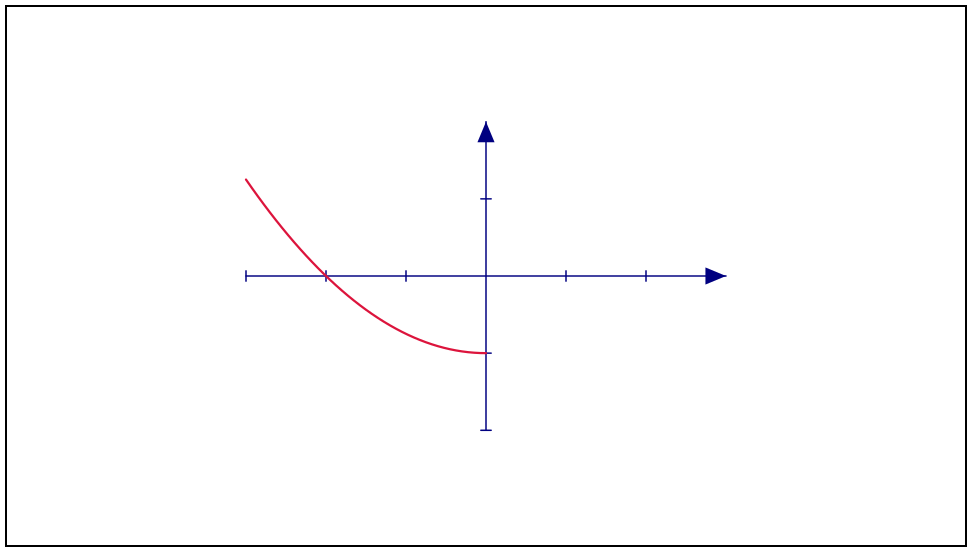
(define graph-axes (axes #:id 'graph-axes #:x-range (axis-range -3 3 1) #:y-range (axis-range -2 2 1) #:x-length 7 #:y-length 9/2 #:stroke "navy")) (define graph-curve (function-graph graph-axes (lambda (x) (- (/ (* x x) 4) 1)) #:id 'graph-curve #:sample-count 81 #:stroke "crimson")) (define graph-drawing (scene-play (scene-add (make-scene) graph-axes) (create graph-curve) #:duration 2))
The completed reveal looks like this:
> (scene->pict graph-drawing 2)
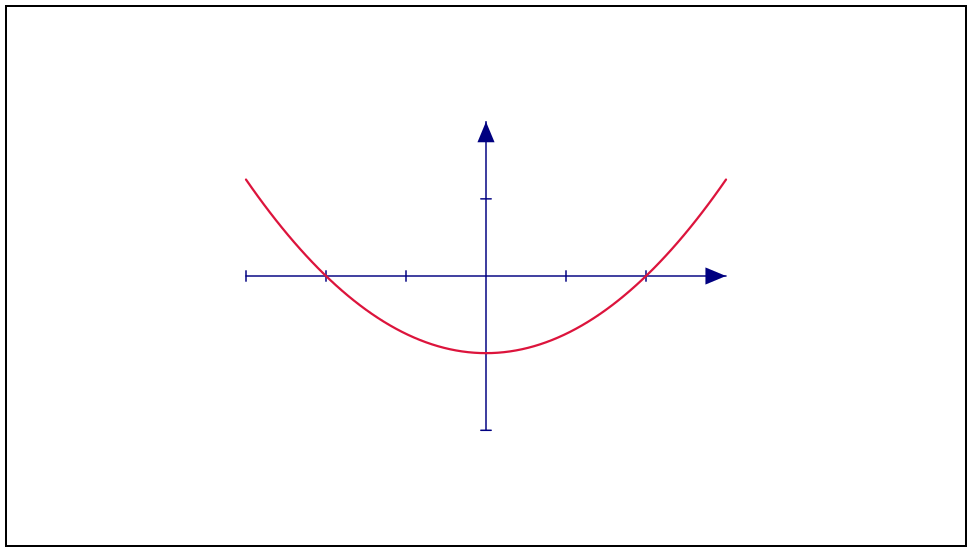
> (scene-duration graph-drawing) 2
> (scene-state-has? (scene-sample graph-drawing 2) 'graph-curve) #t
Do not add graph-curve before calling create. See Draw a graph for sampling and axis geometry.
11.5 Inspect a frame without making a movie
When you want a picture rather than the semantic state, scene->pict is the direct route. It samples both the Scene and its ordinary camera at the same time; no frame directory or encoder is involved.
> (scene->pict graph-drawing 1)
Use scene-sample separately when you also need to inspect the semantic state:
(define middle-state (scene-sample graph-drawing 1))
> (scene-state? middle-state) #t
> (pict? (scene->pict graph-drawing 1)) #t
A 3D camera inside view3d is part of that view instead of the ordinary Scene camera.