13 Themed Mathematics
This recipe makes a small mathematical diagram readable on light and dark backgrounds while keeping one literal institutional color fixed. The code is evaluated when the manual is built.
(define institution-blue (rgb-color 20 70 170)) (define theme-axes (axes #:id 'axes #:stroke theme-axis)) (define diagram-grid (axes-grid-lines theme-axes #:id 'grid #:stroke theme-grid)) (define theme-heading (plain-text "f(x) = x²" #:id 'heading #:color theme-foreground #:center (vec2 0 3))) (define theme-badge (circle #:id 'institution-mark #:radius 1/5 #:fill institution-blue #:stroke institution-blue)) (define diagram (scene-wait (scene-add (make-scene) diagram-grid theme-axes theme-heading theme-badge) 1)) (define heat (diverging-color-scale #:minimum -1 #:maximum 1 #:midpoint 0 #:missing theme-muted))
The same Scene can be rendered under either theme. These two calls differ only in the explicit color theme:
> (scene->pict diagram 0 #:theme animate-light-theme)
> (scene->pict diagram 0 #:theme animate-dark-theme)
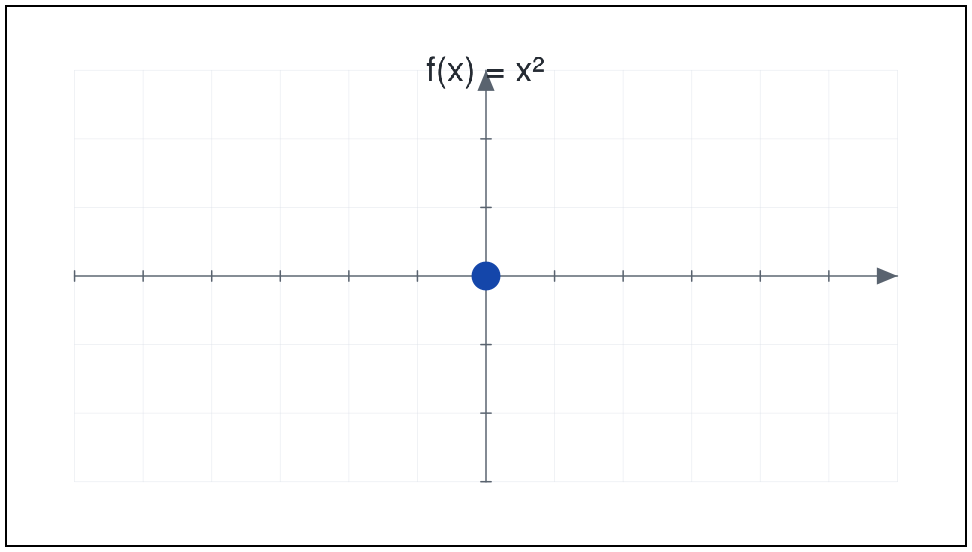
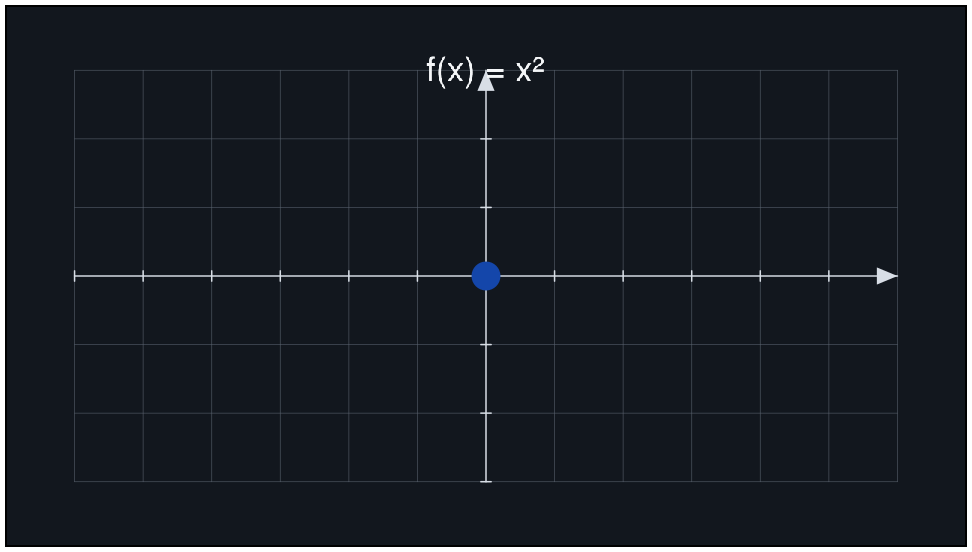
> (scene-duration diagram) 1
> (equal? (resolve-color institution-blue animate-light-theme) (resolve-color institution-blue animate-dark-theme)) #t
Pass diagram unchanged to preview or render settings with animate-light-theme or animate-dark-theme. Semantic roles adapt; institution-blue stays fixed. The diverging scale separately records that zero is a meaningful center.
For a spatial object, material color follows the same rule:
(define material (material3d #:color theme-surface #:specular-color theme-highlight #:emission institution-blue #:emission-strength 1/10))
> (material3d? material) #t
The preview’s Material section reports authored material colors and their resolved lighting inputs. It does not describe a final lit pixel as if it were a palette swatch.