15 Choose a slide transition
The frame strips use the same outgoing and incoming gallery cards. The transition expressions beside them are executable: Scribble constructs each value and checks its effect name while building the manual.
15.1 Blend the pictures: crossfade
(define crossfade-transition (slide-transition #:effect 'crossfade #:duration 1 #:easing 'smooth))
> (slide-transition-effect crossfade-transition) 'crossfade
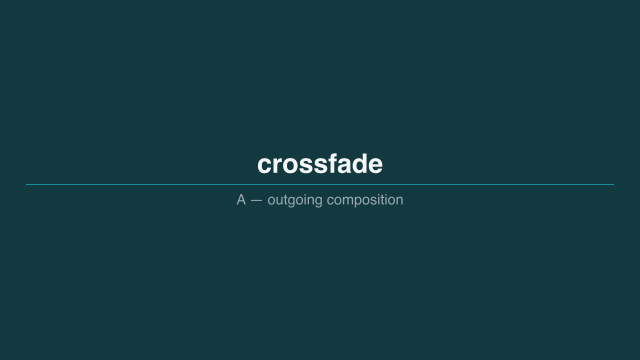 1.2 s — before
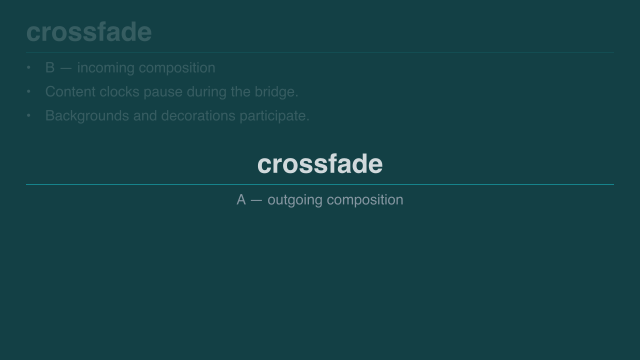 1.45 s — one quarter
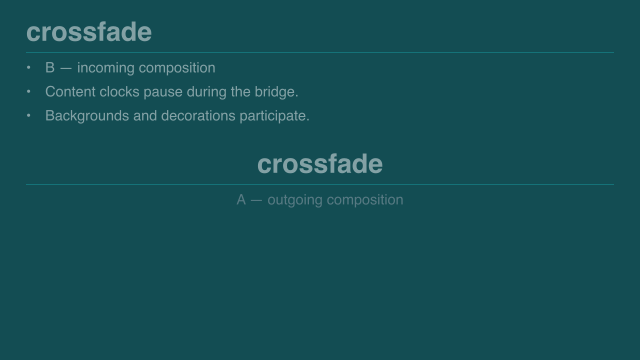 1.7 s — halfway
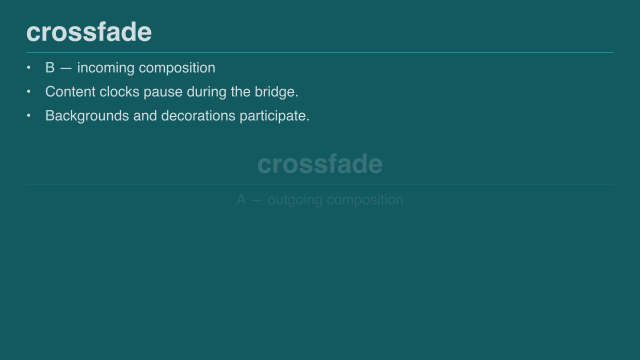 1.95 s — three quarters
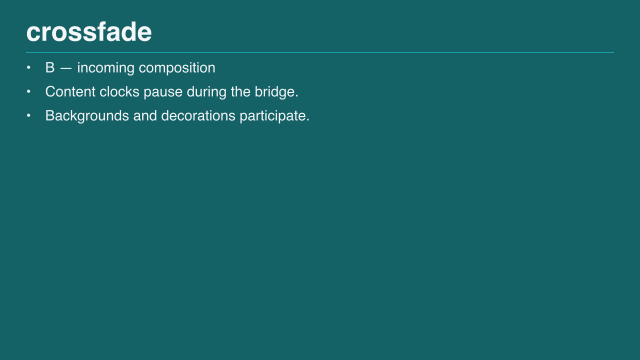 2.2 s — after
Sample times are measured from the start of this example.
Use this when there is no important spatial connection to explain. Both endpoint compositions stay still while their opacity changes.
15.2 Move both pictures: push
(define push-transition (slide-transition #:effect 'push #:direction 'left #:duration 1 #:easing 'smooth))
> (slide-transition-effect push-transition) 'push
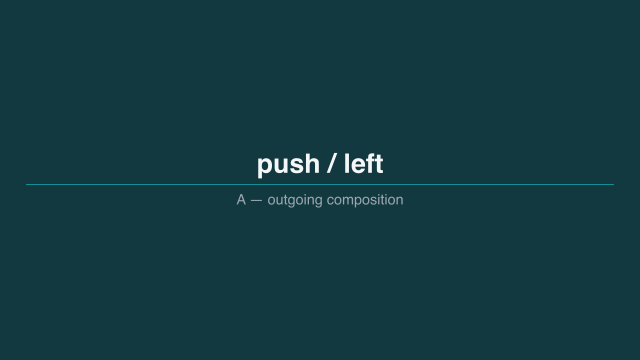 1.2 s — before
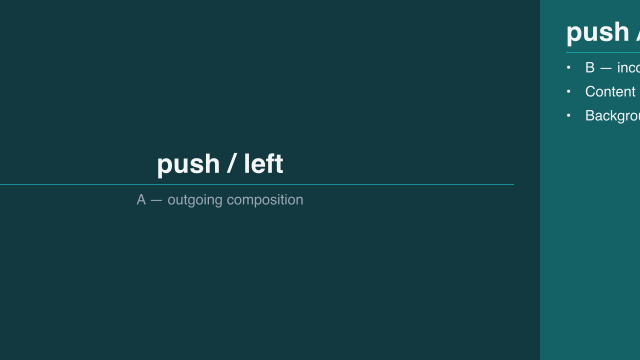 1.45 s — one quarter
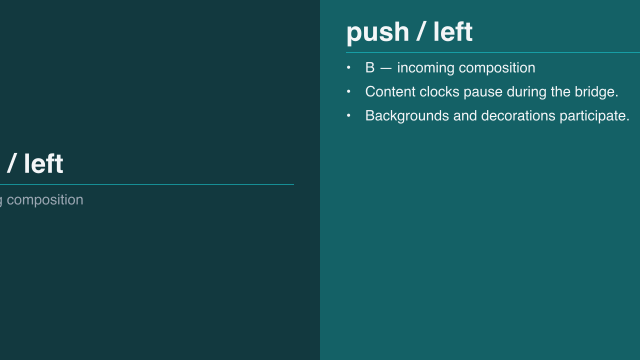 1.7 s — halfway
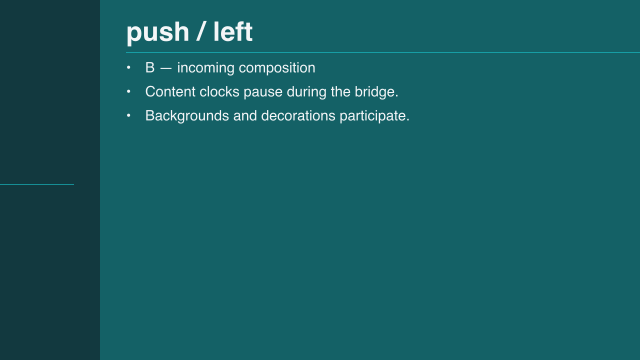 1.95 s — three quarters
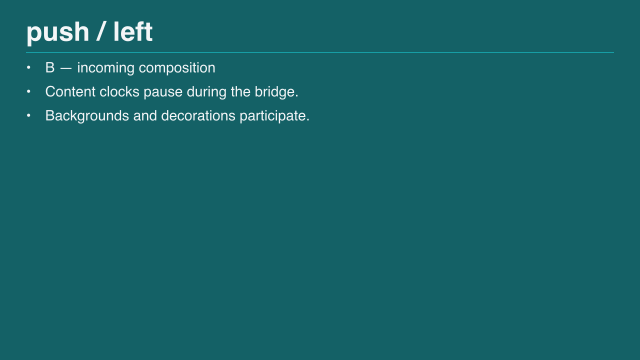 2.2 s — after
Sample times are measured from the start of this example.
The outgoing picture travels left; the incoming picture enters from the right. Direction names describe travel, not the starting edge.
15.3 Move only a boundary: wipe
(define wipe-transition (slide-transition #:effect 'wipe #:direction 'left #:duration 1 #:easing 'smooth))
> (slide-transition-effect wipe-transition) 'wipe
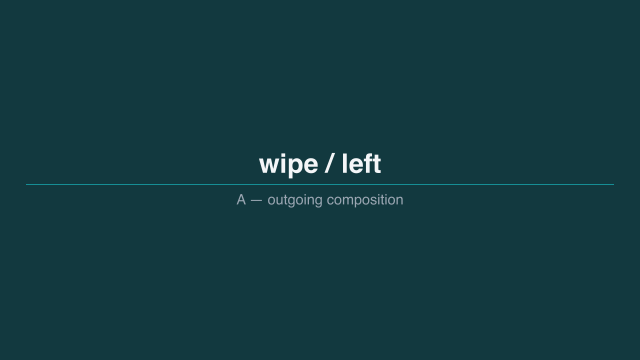 1.2 s — before
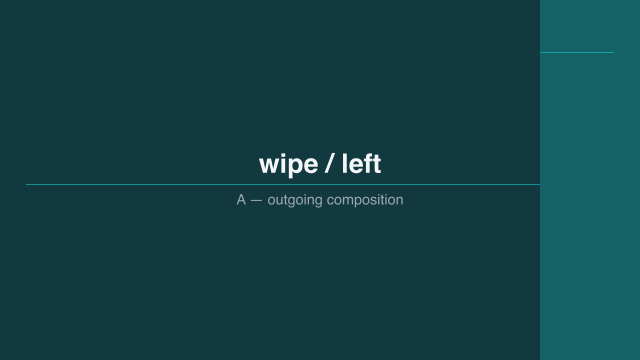 1.45 s — one quarter
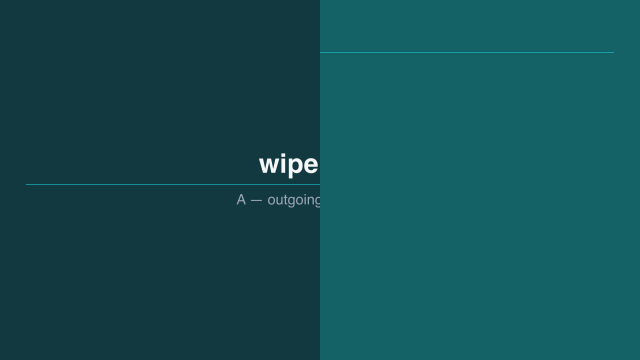 1.7 s — halfway
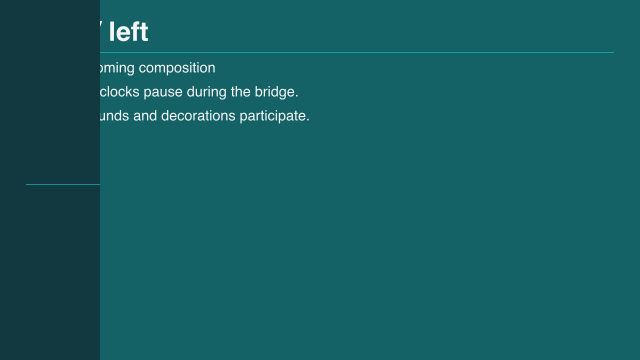 1.95 s — three quarters
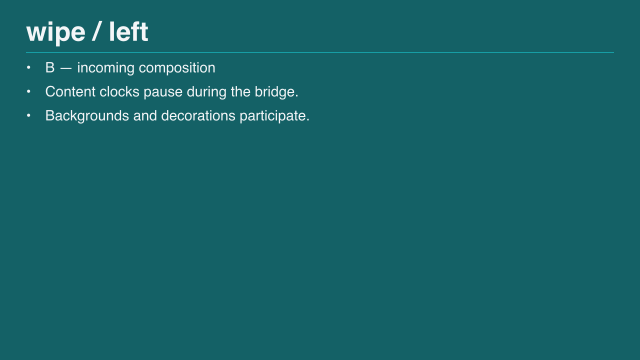 2.2 s — after
Sample times are measured from the start of this example.
The pictures do not move. A reveal boundary sweeps across them.
15.4 Move only one picture: cover and uncover
(define cover-transition (slide-transition #:effect 'cover #:direction 'left #:duration 1 #:easing 'smooth)) (define uncover-transition (slide-transition #:effect 'uncover #:direction 'left #:duration 1 #:easing 'smooth))
> (slide-transition-effect cover-transition) 'cover
> (slide-transition-effect uncover-transition) 'uncover
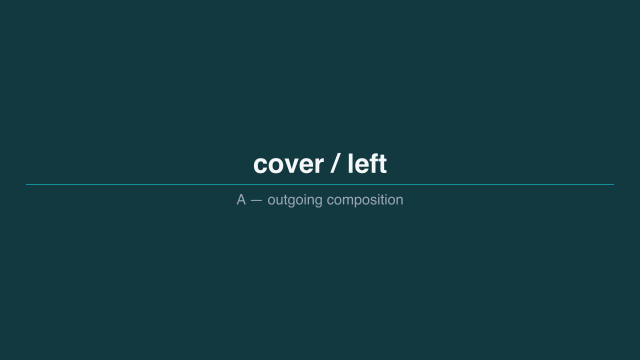 1.2 s — before
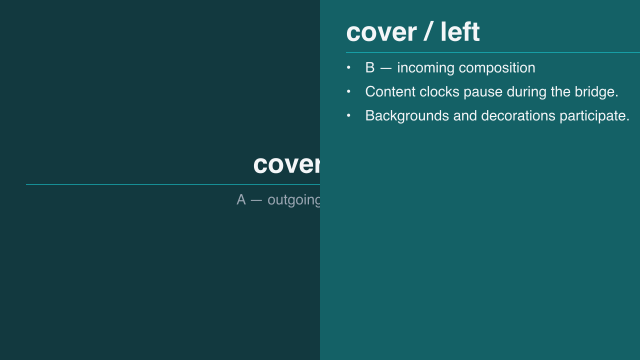 1.7 s — halfway
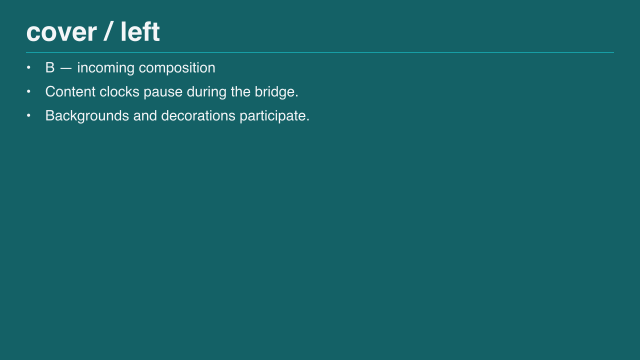 2.2 s — after
Sample times are measured from the start of this example.
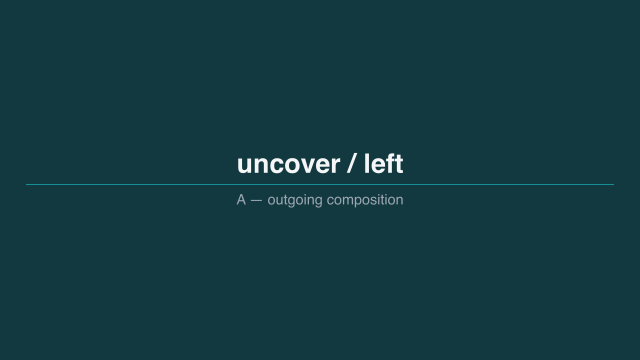 1.2 s — before
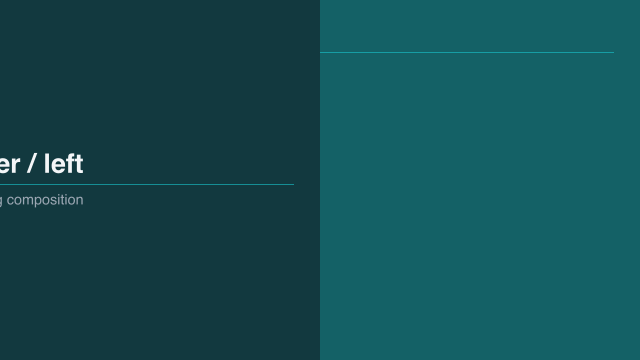 1.7 s — halfway
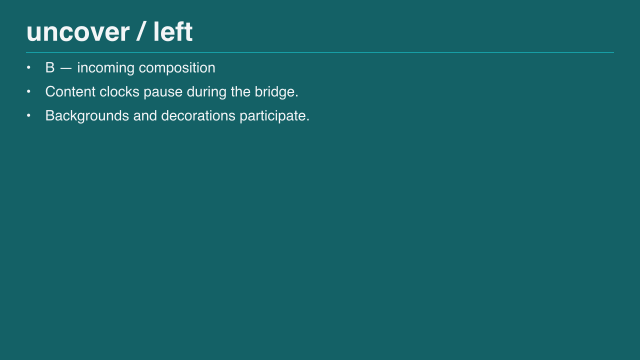 2.2 s — after
Sample times are measured from the start of this example.
Cover moves the destination over the source. Uncover moves the source away from the stationary destination.
15.5 Change size: zoom
(define zoom-transition (slide-transition #:effect 'zoom #:scale 0.82 #:duration 1 #:easing 'smooth))
> (slide-transition-effect zoom-transition) 'zoom
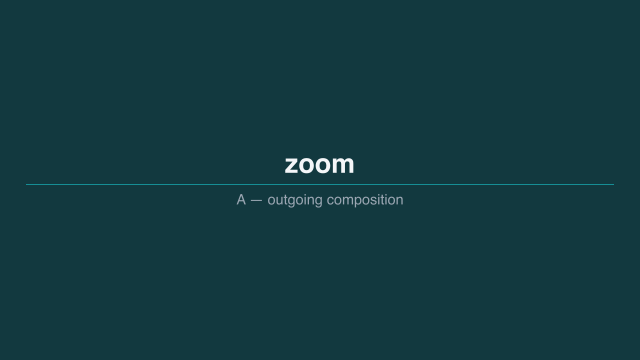 1.2 s — before
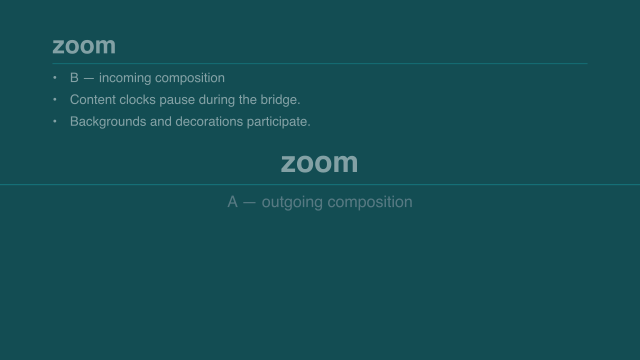 1.7 s — halfway
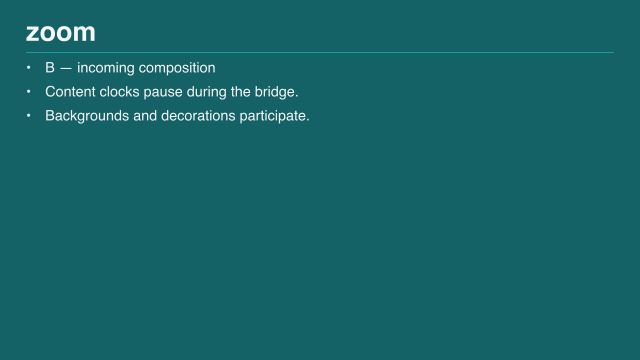 2.2 s — after
Sample times are measured from the start of this example.
Zoom combines centered scaling with fading. It does not identify corresponding objects. For that, use a match.
15.6 Pass through a color: fade-through
(define fade-through-transition (slide-transition #:effect 'fade-through #:color "#101820" #:duration 1))
> (slide-transition-effect fade-through-transition) 'fade-through
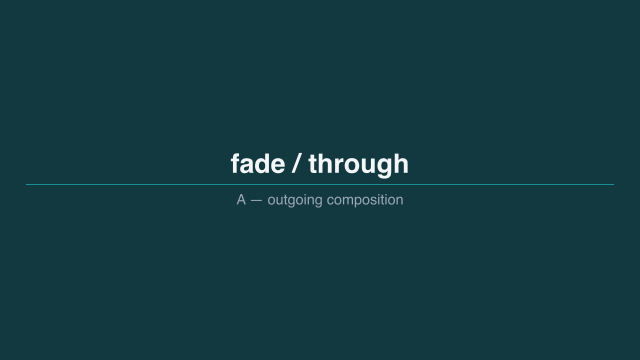 1.2 s — before
 1.7 s — halfway
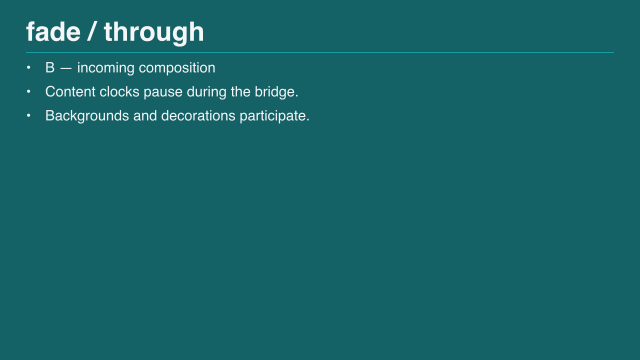 2.2 s — after
Sample times are measured from the start of this example.
The middle is the selected opaque color.
15.7 Retain an idea: match
(define match-transition (slide-transition #:effect 'match #:keys '(topic) #:duration 1))
> (slide-transition-effect match-transition) 'match
Give the corresponding contents a shared key. Follow Look closely at a matching title for whole-title movement and Keep parts connected across slides for named children and domain checkpoints. A (storyboard-cut) has zero duration and no intermediate frames.
15.8 Limit motion without changing the timing
Storyboard #:motion 'reduced replaces spatial transitions with crossfades of the same duration. Exact defaults and unsupported options belong in Storyboards and transitions.