23 3D objects and cameras
For the step-by-step route, start at Make a first 3D picture. The short recipes here are executable. The complete multi-file lesson remains under "scribblings/examples/" because the file relationships are part of that example.
The following shared setup creates one spatial object inside a view3d and places that view in an ordinary Scene:
(define brick (box3d 5/2 3/2 1 #:id 'brick #:material (material3d #:color "cornflowerblue" #:shading 'flat))) (define model (view3d (list brick) #:id 'model #:width 10 #:height 45/8 #:camera (perspective-camera3d #:position (vec3 3 2 5) #:look-at origin3) #:render-mode 'opaque #:background "aliceblue")) (define still (scene-add (make-scene) model))
> (spatial-visual? brick) #t
> (view3d? model) #t
23.1 Move the object, not its window
A rooted spatial path names the object inside its owning view. Use a vec3 for the spatial destination:
(define object-translation (scene-play still (move3d-to '(model brick) (vec3 1 0 0)) #:duration 2))
> (scene-duration object-translation) 2
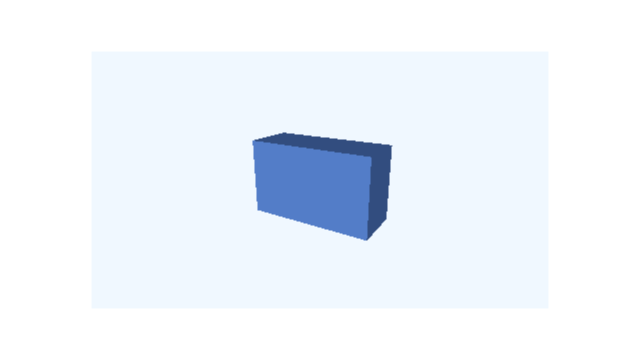 t = 0 s
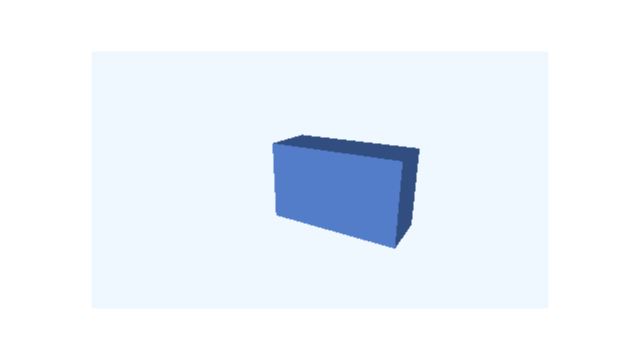 t = 1 s
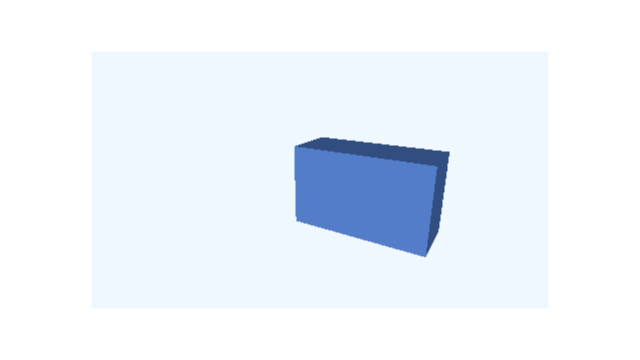 t = 2 s
Frames sampled directly from this example; times are in seconds.
Ordinary move-to with 'model and a vec2 moves the entire rectangular viewport in the surrounding 2D composition.
23.2 Keep the object still and change the view
Camera requests target the owning view ID, not the spatial child path:
(define camera-motion (scene-play still (camera3d-orbit-by 'model #:azimuth (/ pi 2)) #:duration 2))
> (scene-duration camera-motion) 2
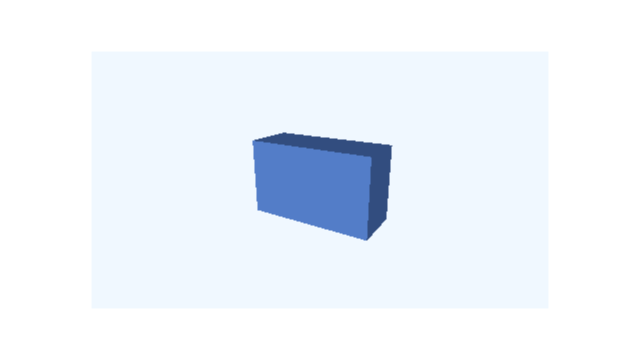 t = 0 s
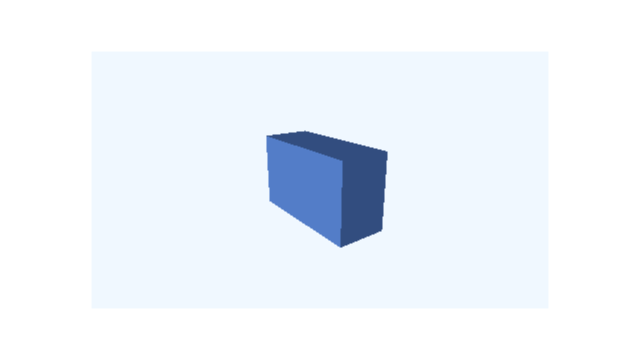 t = 1/2 s
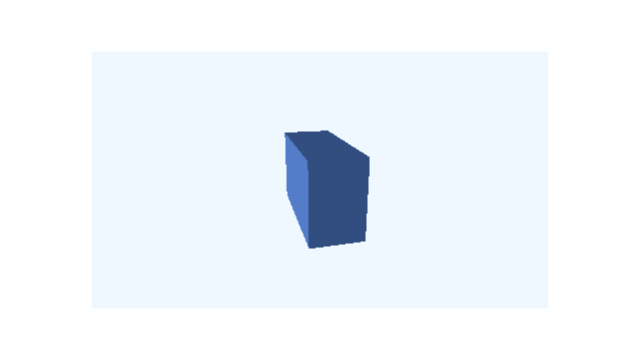 t = 1 s
 t = 3/2 s
 t = 2 s
Frames sampled directly from this example; times are in seconds.
The orbit changes the view’s 3D camera. It does not rotate brick.
23.3 Use the complete three-file lesson
These are intentionally external programs: the second and third files require the first by a relative filename, so the file boundary is part of the example. Requiring them creates descriptions, not videos or GUI windows.
scribblings/examples/first-spatial-picture.rkt
#lang racket/base
(require animate animate/3d)
(provide brick model still picture-at)
(define brick
(box3d 5/2 3/2 1
#:id 'brick
#:material (material3d #:color "cornflowerblue"
#:shading 'flat)))
(define viewpoint
(perspective-camera3d #:position (vec3 3 2 5)
#:look-at origin3))
(define model
(view3d (list brick)
#:id 'model
#:width 10
#:height 45/8
#:camera viewpoint
#:render-mode 'opaque
#:background "aliceblue"))
(define still
(scene-add (make-scene) model))
(define (picture-at time)
(scene-state->pict (scene-sample still time)
#:camera (scene-camera-at still time)))
;; Call (picture-at 0) in DrRacket to see the picture.
scribblings/examples/spatial-motion.rkt
#lang racket/base
(require (only-in racket/math pi) animate animate/3d
"first-spatial-picture.rkt")
(provide object-motion camera-motion panel-motion translated-object
make-lesson lesson)
(define object-motion
(scene-play still
(rotate3d-by '(model brick)
(axis-angle y-axis3 (/ pi 2)))
#:duration 2))
(define translated-object
(scene-play still
(move3d-to '(model brick) (vec3 1 0 0))
#:duration 2))
(define camera-motion
(scene-play still
(camera3d-orbit-by 'model #:azimuth (/ pi 2))
#:duration 2))
(define panel-motion
(scene-play still
(move-to 'model (vec2 2 0))
#:duration 2))
(define (make-lesson initial)
(define turn
(scene-play initial
(rotate3d-by '(model brick)
(axis-angle y-axis3 (/ pi 2)))
#:duration 2))
(define read-turn (scene-wait turn 1))
(define orbit
(scene-play read-turn
(camera3d-orbit-by 'model #:azimuth (/ pi 2))
#:duration 2))
(scene-wait orbit 1))
(define lesson (make-lesson still))
scribblings/examples/spatial-slides.rkt
#lang racket/base
(require animate animate/3d
"first-spatial-picture.rkt" "spatial-motion.rkt")
(provide captioned-lesson)
(define heading
(plain-text "Turn the object, then move the camera"
#:id 'heading #:center (vec2 0 10/3)
#:font-size 9/25 #:color "navy"))
(define box-label
(follow-projected-spatial
(plain-text "Box" #:id 'box-label
#:font-size 1/4 #:color "navy")
#:view 'model
#:target '(brick)
#:offset (vec2 14 16)))
(define labelled-move
(scene-play (scene-add still heading box-label)
(move3d-to '(model brick) (vec3 1 0 0))
#:duration 2))
(define captioned-lesson
(make-lesson labelled-move))
(require animate/slides animate/slides/scene)
(provide clip film)
(define card
(slide #:id 'spatial-lesson #:layout 'title+figure
[title "Two ways to change a 3D picture"]
[figure (scene-content lesson)]
[body "First turn the box. Then move the camera."]))
(define clip
(build-slide card
(beat 'look #:duration 1)
(beat 'play #:duration 6
(play-content 'figure #:to 'end))
(beat 'read #:duration 2)))
(define film
(storyboard
(storyboard-shot 'demonstration clip)))
23.4 Use the ordinary software renderer
The examples select filled faces with #:render-mode 'opaque; they do not select OpenGL. Start with the software path. OpenGL is an explicit backend choice, requires a suitable GUI process, and currently has its own one-worker restriction. It is not the same restriction as the slide geometry adapter, which supports the shared subprocess worker path.