34 Put an animation inside a slide
A figure slot can hold a picture or an animation. The slide places the figure; the figure still owns the motion inside it. Start with an ordinary moving Scene.
34.1 Choose the figure’s visible area
A camera chooses the visible world area and the pixel size. Here it shows an eight-unit-wide world in an 800-by-450 image. This area becomes the figure’s viewport: a stable window that the slide can place and resize.
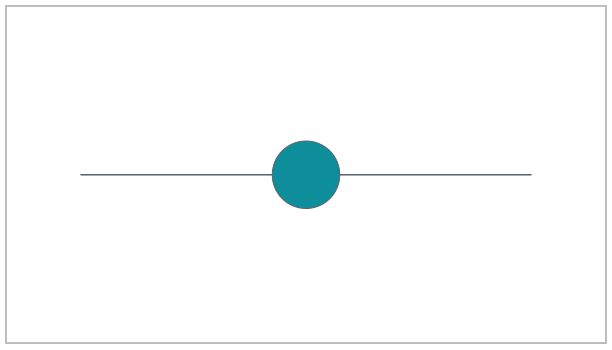
The track is a line between two points. The disc moves along it. The color names theme-muted and theme-accent adapt to the selected theme. Native scene-play takes a rate-function value, (smooth), whereas a slide transition takes the symbol 'smooth.
(define inner (scene-play (scene-add (make-scene #:camera (make-camera #:width 800 #:height 450 #:world-width 8)) (line (vec2 -3 0) (vec2 3 0) #:id 'track #:stroke theme-muted #:stroke-width 2) (circle #:id 'disc #:center (vec2 -2 0) #:radius 0.45 #:fill theme-accent #:stroke-width 0)) (move-to 'disc (vec2 2 0)) #:duration 3 #:easing (smooth)))
Before embedding it, inspect the native Scene itself halfway through its motion:
> (scene->pict inner 3/2)
34.2 Embed the Scene
scene-content wraps the Scene as slot content. No movie file is made.
(define card (slide #:layout 'title+figure [title "A scene inside a slide"] [figure (scene-content inner)] [footer "The inner clock starts at play-content."]))
34.3 Start its own clock
The figure has a local clock. Revealing a slot changes visibility; it does not start that clock. play-content advances it. Here the first beat holds the disc at its starting position for one second; the next plays the three-second movement.
(define clip (build-slide card (beat 'introduce #:duration 1) (beat 'move #:duration 3 (play-content 'figure)) (beat 'hold #:duration 3/2))) (define film (storyboard #:id 'manual-native #:theme lecture-dark (storyboard-shot 'native-scene clip)))
The complete presentation lasts 5.5 seconds:
> (scene-duration (storyboard->scene film)) 11/2
> (storyboard->pict film #:at 5/2)
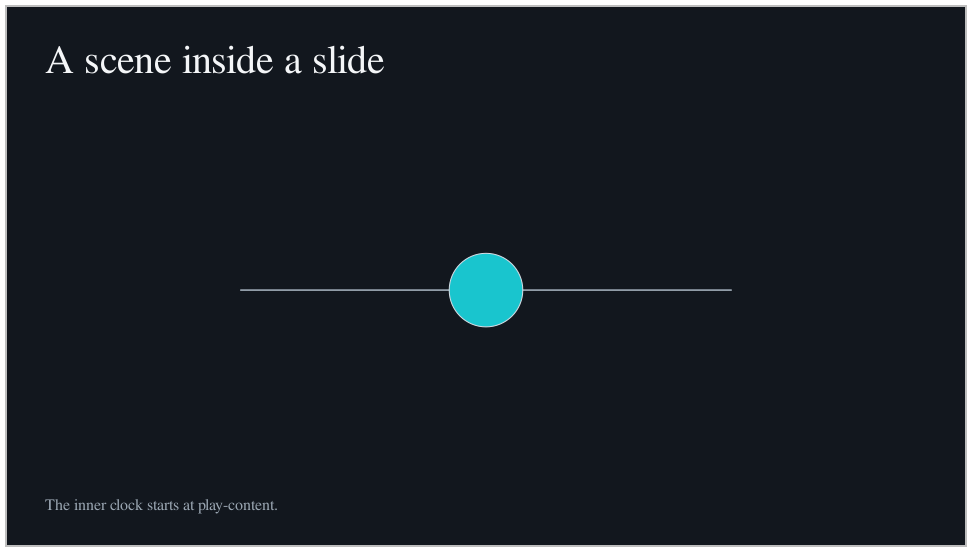
 1 s — inner clock 0
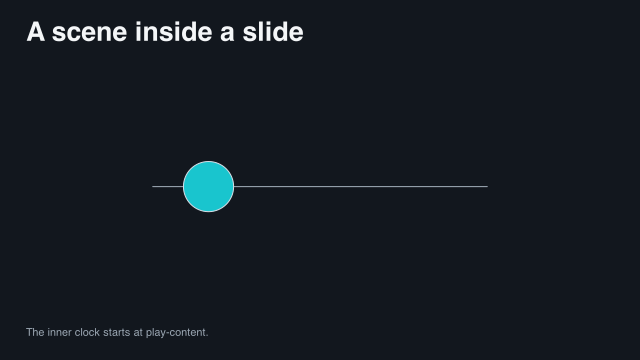
 2.5 s — inner clock 1.5
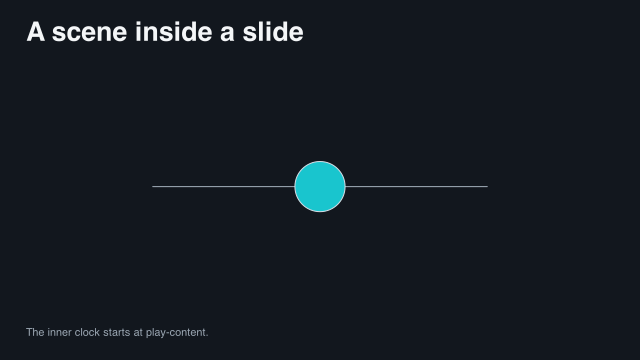
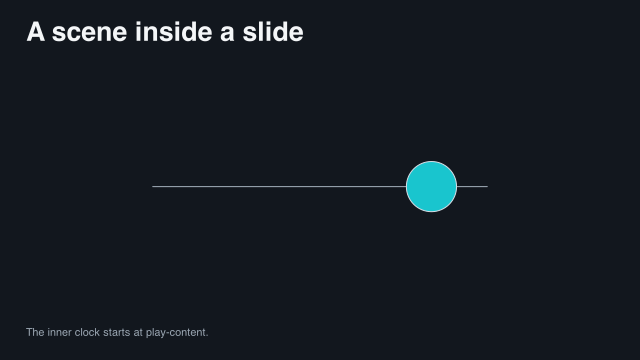 4 s — inner clock 3
Sample times are measured from the start of this example.
The captions show whole-slide times. The middle image, at 2.5 seconds, is only 1.5 seconds into the figure’s motion. An empty final beat holds the reached state. A complete standalone version is "scribblings/examples/native-viewport.rkt".
34.4 Prepare resource-dependent content
Some figures need work before they can be sampled. Preparation measures text, typesets formulas, and fixes construction points and label positions. Afterwards, frames use those prepared results instead of repeating the work.
The native Scene above needs no external tool, so it is a safe example on which to execute the preparation step:
(define prepared (prepare-storyboard! film))
> (prepared-storyboard? prepared) #t
Keep an explicit preparation call in a runner rather than at the top level of a reusable lesson module. A later resource-dependent figure can then perform its measurement or typesetting once before frames are sampled.
34.5 A mathematical explanation has its own plan
The math subsystem starts with an expression, makes named derivation steps, and turns those steps into a presentation plan. math-content wraps that plan for a figure slot. The slide does not perform the algebra.
The semantic math plan itself is pure, so the Guide can execute it without typesetting any formula:
(require animate/math animate/slides/math) (define problem (math '(= (+ (* 3 x) 5) 17) #:id 'problem #:context (math-context #:real '(x)))) (define working (derive problem [subtract-five (both-sides 'subtract 5)] [cancel-five (cancel-addends #:at (lhs))] [evaluate-rhs (evaluate #:at (rhs))])) (define plan (present working #:style classroom #:groups '((subtract-five cancel-five evaluate-rhs)))) (define equation (math-content plan))
The displayed block is ordinary source code. The same definitions are evaluated in a hidden documentation example immediately before it, so API drift still fails the build even though the Math identifiers are not linked into the separate Math manual from this Guide page.
> (content? equation) #t
Rendering or preparing a slide that contains equation may invoke the formula toolchain. This chapter deliberately stops at the semantic content value, so building the manual does not make TeX a requirement.
For ordinary playback, put equation in the figure slot and use (play-content 'figure #:to '(cancel-five end)) in a beat. The next chapter uses this same plan to move between two frozen checkpoints. The complete multi-step program remains "scribblings/examples/math-checkpoints.rkt".
34.6 Reuse a geometry construction
A construction program describes named points, lines, circles, and the steps used to reveal them. This example reuses the library’s equilateral-triangle program. Its points and labels stay under the geometry subsystem’s control.
Construct the slide description and timing, but leave construction preparation to the reviewed frame-strip pipeline:
(require animate/slides/geometry (only-in animate/geometry/examples/equilateral-triangle equilateral-triangle)) (define geometry-card (slide #:layout 'title+figure [title "Construct equal sides"] [figure (geometry-content equilateral-triangle)])) (define geometry-clip (build-slide geometry-card (beat 'construct #:narration (narration "Construct an equilateral triangle with two circles." #:draft-duration 4) (play-content 'figure)) (beat 'hold #:duration 2)))
> (slide-clip? geometry-clip) #t
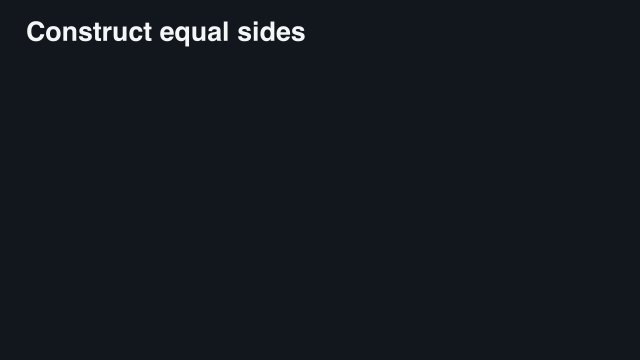 0 s — before the reveal
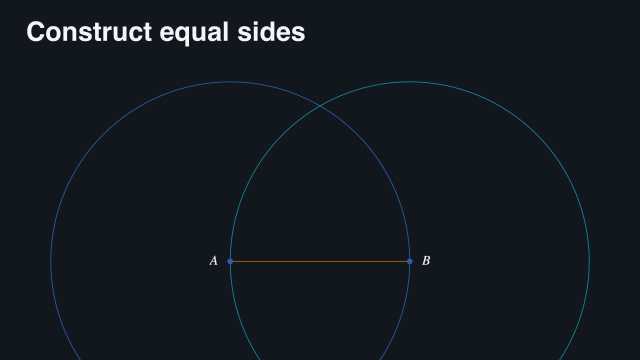 10.55 s — construction in progress
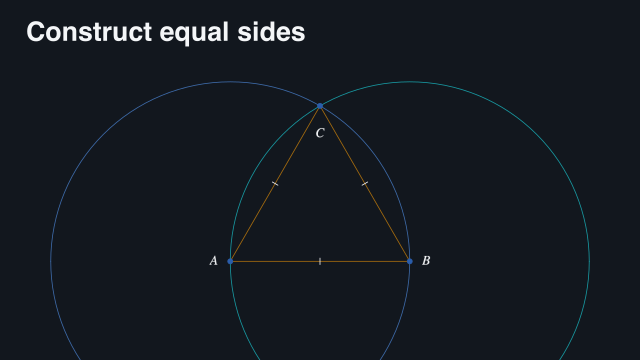 23.1 s — completed and held
Sample times are measured from the start of this example.
The draft narration supplies four seconds of text and pacing, but play-content may need longer. Because the beat has no explicit duration, preparation uses the longer interval. The last beat holds the finished construction. The complete program is "scribblings/examples/geometry-slide.rkt".
Continue with Keep parts connected across slides to change a figure’s layout while its own animation advances. Worker rendering comes later in Render a larger project; it does not require a different construction.