49 A 3D lesson in three files
The first file makes a box and its view. The second turns the box, then moves its camera. The third adds labels and provides a slide version. Keep the three files together: their relative imports are part of the example.
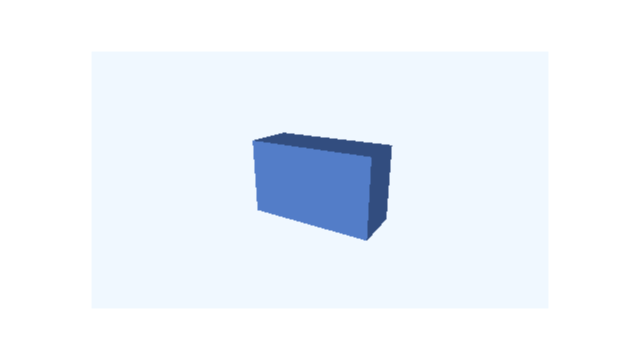 t = 0 s
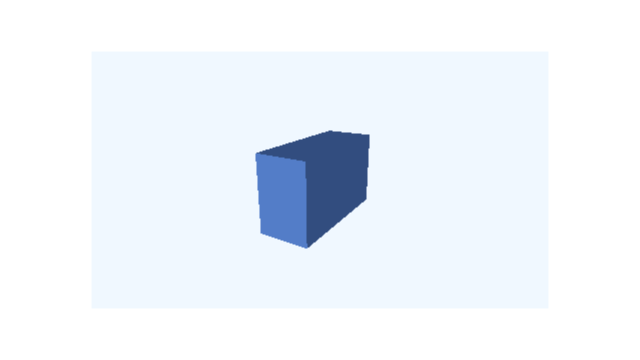 t = 3 s
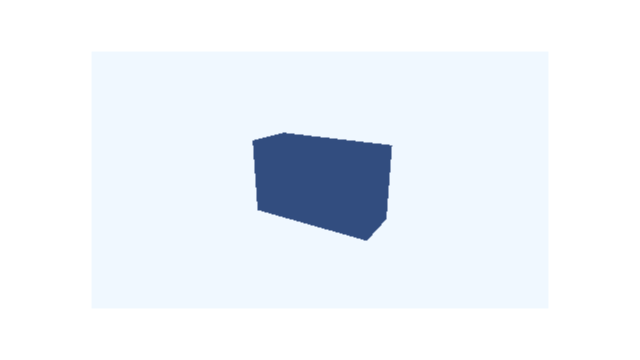 t = 6 s
The six-second native Scene: turn the object, then orbit its camera.
49.1 First file: the object and view
scribblings/examples/first-spatial-picture.rkt
;; doc: imports begin #lang racket/base (require animate animate/3d) (provide brick model still picture-at) ;; doc: imports end ;; doc: solid begin (define brick (box3d 5/2 3/2 1 #:id 'brick #:material (material3d #:color "cornflowerblue" #:shading 'flat))) ;; doc: solid end ;; doc: camera begin (define viewpoint (perspective-camera3d #:position (vec3 3 2 5) #:look-at origin3)) ;; doc: camera end ;; doc: view begin (define model (view3d (list brick) #:id 'model #:width 10 #:height 45/8 #:camera viewpoint #:render-mode 'opaque #:background "aliceblue")) ;; doc: view end ;; doc: scene begin (define still (scene-add (make-scene) model)) ;; doc: scene end ;; doc: picture begin (define (picture-at time) (scene-state->pict (scene-sample still time) #:camera (scene-camera-at still time))) ;; Call (picture-at 0) in DrRacket to see the picture. ;; doc: picture end
brick is a spatial Visual. model is a 2D window that contains it and has its own 3D camera. Only that window is added to the ordinary Scene. The source also exports picture-at for requesting a still in DrRacket.
49.2 Second file: motion and timing
scribblings/examples/spatial-motion.rkt
;; doc: imports begin #lang racket/base (require (only-in racket/math pi) animate animate/3d "first-spatial-picture.rkt") (provide object-motion camera-motion panel-motion translated-object make-lesson lesson) ;; doc: imports end ;; doc: object-motion begin (define object-motion (scene-play still (rotate3d-by '(model brick) (axis-angle y-axis3 (/ pi 2))) #:duration 2)) ;; doc: object-motion end ;; doc: translation begin (define translated-object (scene-play still (move3d-to '(model brick) (vec3 1 0 0)) #:duration 2)) ;; doc: translation end ;; doc: camera-motion begin (define camera-motion (scene-play still (camera3d-orbit-by 'model #:azimuth (/ pi 2)) #:duration 2)) ;; doc: camera-motion end ;; doc: panel-motion begin (define panel-motion (scene-play still (move-to 'model (vec2 2 0)) #:duration 2)) ;; doc: panel-motion end ;; doc: lesson begin (define (make-lesson initial) (define turn (scene-play initial (rotate3d-by '(model brick) (axis-angle y-axis3 (/ pi 2))) #:duration 2)) (define read-turn (scene-wait turn 1)) (define orbit (scene-play read-turn (camera3d-orbit-by 'model #:azimuth (/ pi 2)) #:duration 2)) (scene-wait orbit 1)) (define lesson (make-lesson still)) ;; doc: lesson end
The small motion examples are alternatives built from still. The make-lesson function combines a two-second object turn, a one-second hold, a two-second camera orbit, and another one-second hold.
A spatial request targets '(model brick). A 3D camera request targets 'model. Ordinary move-to also targets 'model, but moves the whole window in the surrounding 2D Scene. These are three different changes, even when they all affect the box’s appearance on screen.
49.3 Third file: labels and the slide version
scribblings/examples/spatial-slides.rkt
;; doc: imports begin #lang racket/base (require animate animate/3d "first-spatial-picture.rkt" "spatial-motion.rkt") (provide captioned-lesson) ;; doc: imports end ;; doc: labels begin (define heading (plain-text "Turn the object, then move the camera" #:id 'heading #:center (vec2 0 10/3) #:font-size 9/25 #:color "navy")) (define box-label (follow-projected-spatial (plain-text "Box" #:id 'box-label #:font-size 1/4 #:color "navy") #:view 'model #:target '(brick) #:offset (vec2 14 16))) (define labelled-move (scene-play (scene-add still heading box-label) (move3d-to '(model brick) (vec3 1 0 0)) #:duration 2)) (define captioned-lesson (make-lesson labelled-move)) ;; doc: labels end ;; doc: slide-imports begin (require animate/slides animate/slides/scene) (provide clip film) ;; doc: slide-imports end ;; doc: slide begin (define card (slide #:id 'spatial-lesson #:layout 'title+figure [title "Two ways to change a 3D picture"] [figure (scene-content lesson)] [body "First turn the box. Then move the camera."])) (define clip (build-slide card (beat 'look #:duration 1) (beat 'play #:duration 6 (play-content 'figure #:to 'end)) (beat 'read #:duration 2))) (define film (storyboard (storyboard-shot 'demonstration clip))) ;; doc: slide end
The native heading stays above the view. The projected "Box" label follows the object’s origin while remaining upright. Its target is '(brick) because the helper receives the owning view separately. The captioned sequence adds a two-second translation before the six-second lesson, making eight seconds altogether.
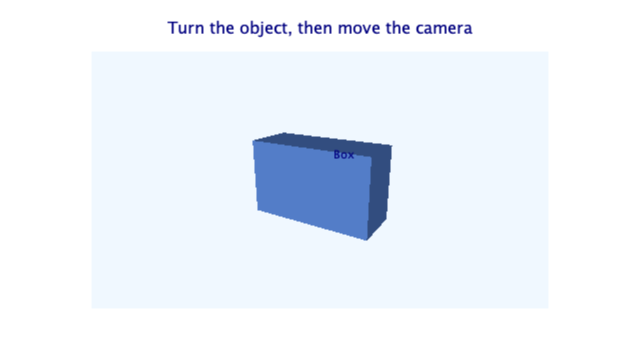 t = 0 s
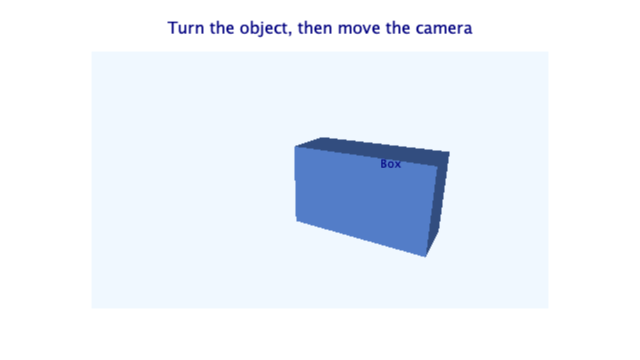 t = 2 s
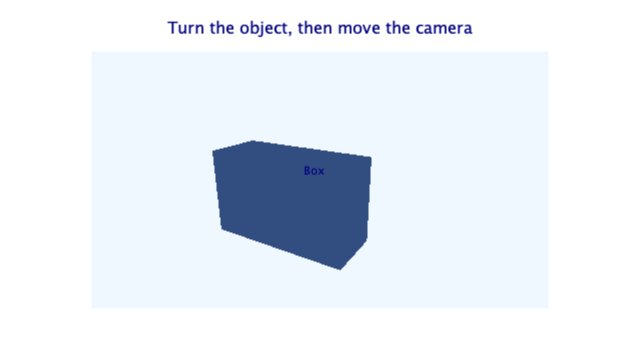 t = 8 s
The captioned variant adds a two-second move before the same six-second sequence.
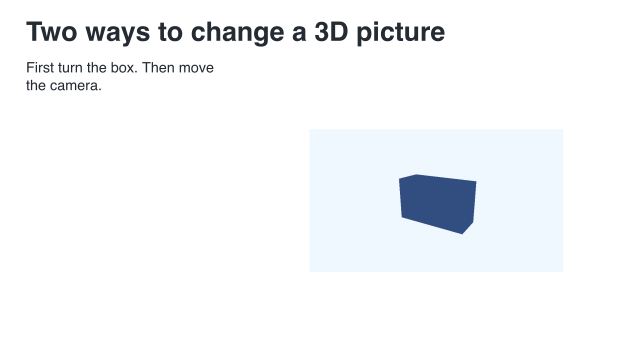
The slide version embeds the uncaptioned lesson. Its own title avoids a second title inside the figure. The slide holds for one second, plays the inner six-second Scene, then holds for two. The resulting film is nine seconds long.
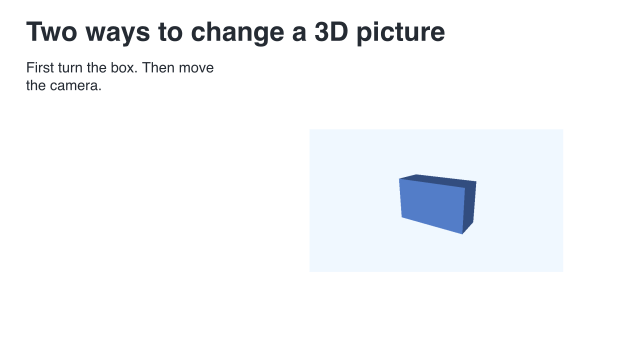 t = 0 s
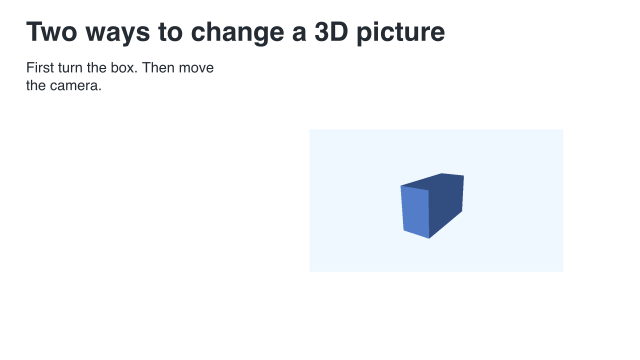 t = 4 s
 t = 9 s
The slide variant holds for one second, plays for six, then holds for two.
49.4 Render a version
To render the slide version with the existing shared-worker runner:
racket slides/render-example.rkt --workers 10 \ |
--output slides-output/complete-examples/spatial-lesson \ |
scribblings/examples/spatial-slides.rkt |
To render just the six-second native Scene:
racket \ |
-e '(require animate/render "scribblings/examples/spatial-motion.rkt")' \ |
-e '(render-frames! lesson "slides-output/complete-examples/native-spatial-lesson/frames" #:fps 30)' \ |
-e '(encode-mp4! "slides-output/complete-examples/native-spatial-lesson/frames" "slides-output/complete-examples/native-spatial-lesson/native-spatial-lesson.mp4" #:fps 30)' |
Neither command selects the optional OpenGL backend.
49.5 Try one change
Change the box dimensions in the first file. The later files still reuse it. Or change make-lesson in the second file to compare the order of the object turn and camera orbit. Update a beat with an explicit duration when the embedded Scene’s duration changes.
See Make a first 3D picture, Animate a 3D object and its camera, and Combine 3D with text and slides.