44 Draw and move a function graph
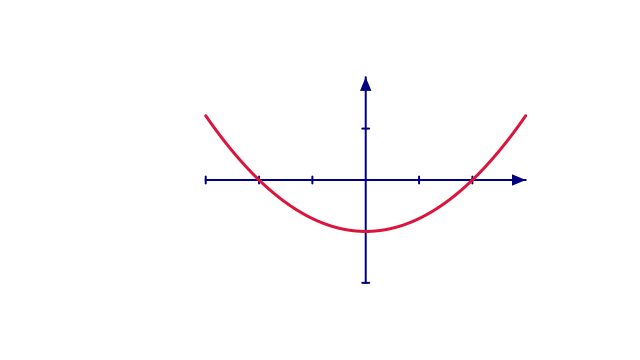
This program makes a graph of y=x2/4-1. It exports two animations: film draws the curve and holds it, while moving-diagram moves the completed curve and its axes together. They are alternatives, not consecutive sections of one movie.
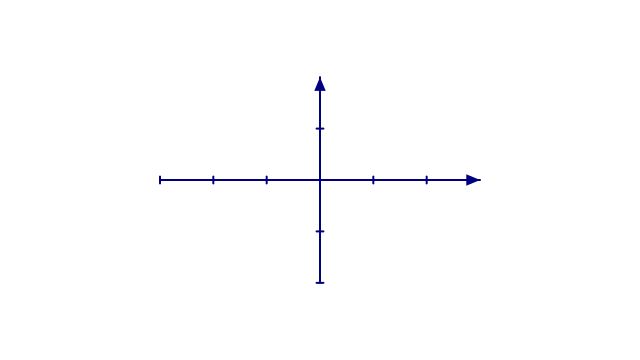 t = 0 s
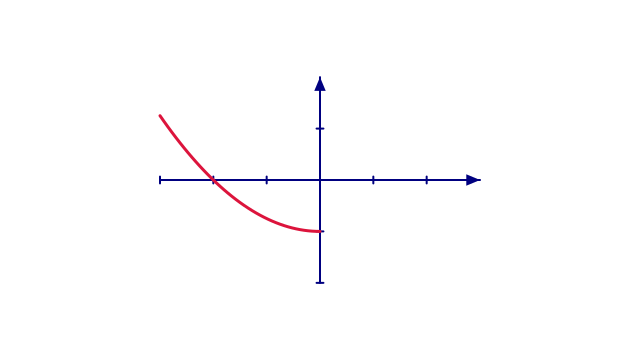 t = 1 s
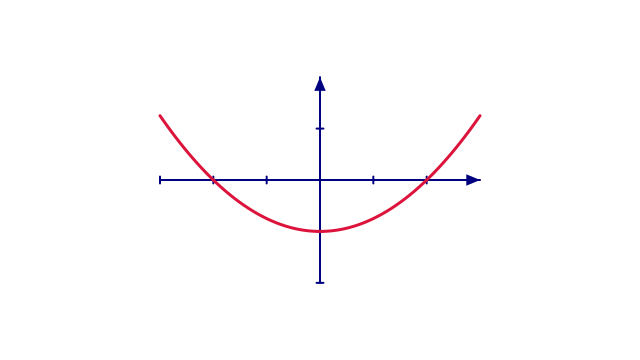 t = 2 s
Reveal the curve, then hold the finished graph.
44.1 Complete source
scribblings/examples/first-function-graph.rkt
#lang racket/base (require animate) ;; doc: axes begin (define coordinates (axes #:id 'coordinates #:x-range (axis-range -3 3 1) #:y-range (axis-range -2 2 1) #:x-length 7 #:y-length 9/2 #:stroke "navy")) ;; doc: axes end ;; doc: graph begin (define curve (function-graph coordinates (lambda (x) (- (/ (* x x) 4) 1)) #:id 'curve #:sample-count 81 #:interpolation 'linear #:stroke "crimson" #:stroke-width 3)) ;; doc: graph end ;; doc: draw begin (define drawing (scene-play (scene-add (make-scene) coordinates) (create curve) #:duration 2)) (define film (scene-wait drawing 1)) ;; doc: draw end ;; doc: move-both begin (define diagram (group (list coordinates curve) #:id 'diagram)) (define moving-diagram (scene-play (scene-add (make-scene) diagram) (move-to 'diagram (vec2 2 0)) #:duration 2)) ;; doc: move-both end (provide coordinates curve drawing film diagram moving-diagram)
44.2 How the program is organized
coordinates sets both the numeric ranges and the drawn lengths of the axes. curve samples the function 81 times and stores the resulting path. create reveals that path over two seconds; it does not evaluate the function again for every movie frame. film adds a one-second hold.
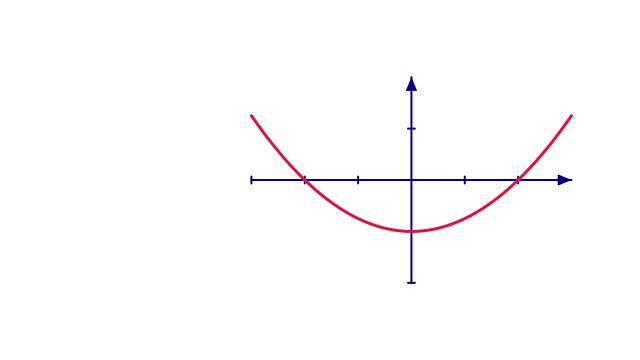
The second animation puts the axes and the complete curve in diagram. Moving that group keeps the two together. Moving only the axes would leave the already-built curve behind.
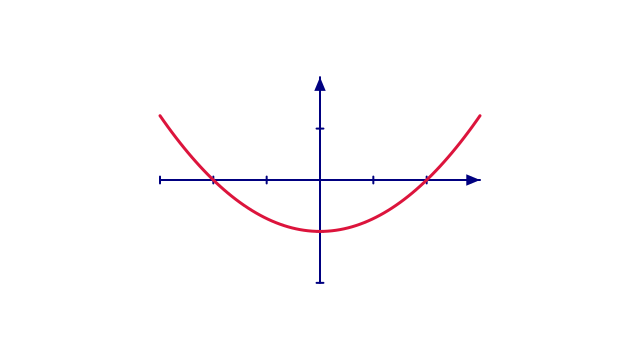 t = 0 s
 t = 1 s
 t = 2 s
A separate animation: the completed graph and its axes move together.
44.3 Render either animation
To render the three-second reveal:
racket \ |
-e '(require animate/render "scribblings/examples/first-function-graph.rkt")' \ |
-e '(render-frames! film "slides-output/complete-examples/function-graph/frames" #:fps 30)' \ |
-e '(encode-mp4! "slides-output/complete-examples/function-graph/frames" "slides-output/complete-examples/function-graph/function-graph.mp4" #:fps 30)' |
To render the separate two-second group movement:
racket \ |
-e '(require animate/render "scribblings/examples/first-function-graph.rkt")' \ |
-e '(render-frames! moving-diagram "slides-output/complete-examples/moving-graph/frames" #:fps 30)' \ |
-e '(encode-mp4! "slides-output/complete-examples/moving-graph/frames" "slides-output/complete-examples/moving-graph/moving-graph.mp4" #:fps 30)' |
44.4 Try one change
Replace the numerical function, then check that its range fits the axes. Change #:sample-count to compare geometric approximation, or change #:duration to change the reveal speed. Those are different choices.
See Draw a graph for the learning route and Keep the graph with its axes for why the group matters.