4 Slides, builds, and continuity
A slide says what the content is. A layout says where it goes. A theme chooses colors, type, spacing, and decoration. A slide clip says when things appear or change. A storyboard puts clips in order.
Changing the theme does not rewrite your lesson. Changing the timing does not require copying the slide content.
4.1 Hidden is not absent
A hidden title still has its place in the layout. Fading it in should not move the rest of the slide. The layout is fixed before playback.
An omitted optional slot is different. A built-in layout may give its space to another slot. For example, title+figure gives the figure more room when there is no body text. Custom layouts follow their own explicit region tree.
4.2 Builds happen within a clip
A beat is a named interval in a clip. Beats run in order. Actions inside one beat can run together, or start at different offsets.
reveal-slot is a build in. conceal-slot is a build out. emphasize-slot draws attention to content already there. play-content advances an embedded animation. The slot build effects are currently fade and instant, not all of the slide-transition effects.
A plain slide has no duration. hold-slide gives it a duration and holds its content at the selected poster state. build-slide starts ordinary embedded animations at local time zero and lets you advance them with actions.
 0 s — both slots hidden
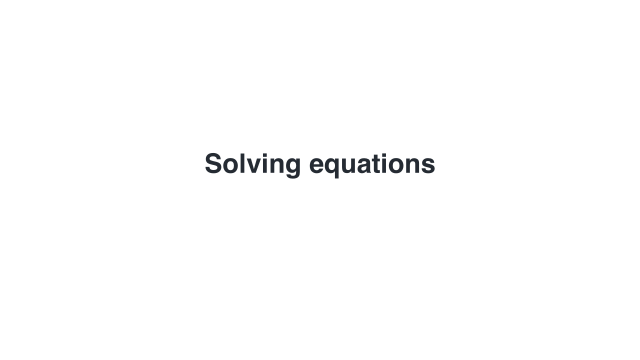 1 s — title visible
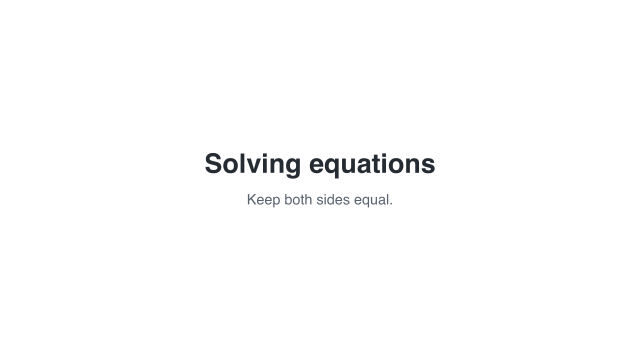 4 s — title and subtitle visible
Sample times are measured from the start of this example.
These are three states of the same four-second clip, not three layouts.
4.3 Transitions happen between clips
A transition has its own interval:
outgoing clip | transition | incoming clip |
Its duration adds to the video length. Usually the outgoing endpoint and the incoming starting state stay frozen throughout this interval.
A semantic match can make a deliberate exception for matched content-state checkpoints: it replays the selected child interval while the surrounding clips remain frozen. This is not the same as letting both clips keep playing.
4.4 A role is not an identity
title is a role. Two unrelated slides can both have a title. A continuity key, written with #:key, says that two slot contents represent the same thing across slides. The matching transition lists the keys it should retain.
Named children inside a semantic-group give a finer correspondence. left/label and right/label are different names even when their text is identical. Names, not drawing order or similar-looking letters, control which child goes where.
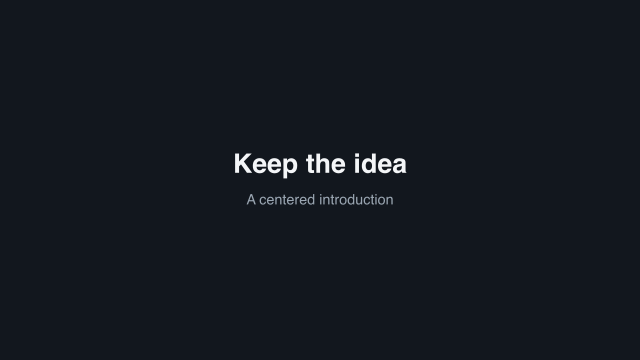 1.2 s — before
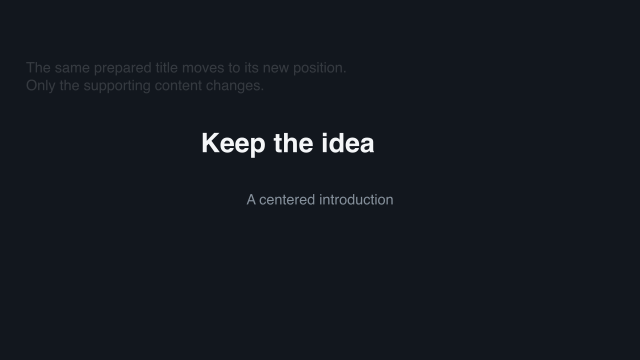 1.45 s — one quarter
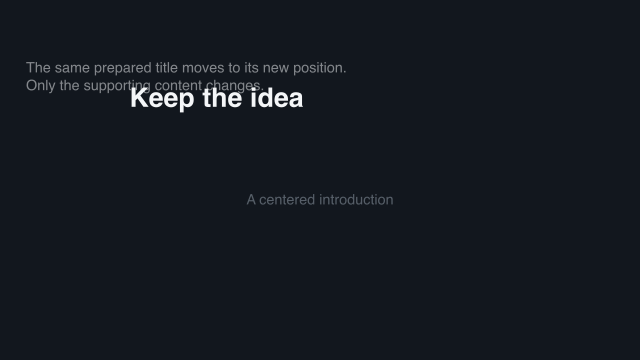 1.7 s — halfway
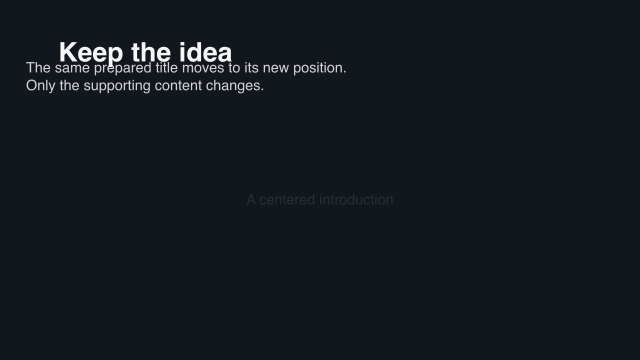 1.95 s — three quarters
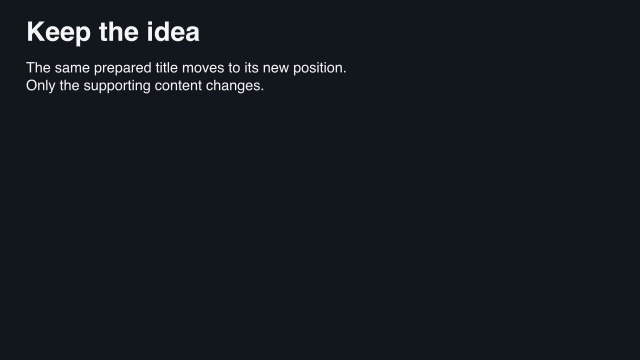 2.2 s — after
Sample times are measured from the start of this example.
Here one title moves from a centered introduction to the next card’s heading. The supporting text changes separately.
4.5 What semantic matching can and cannot do
Named parts can change position while the outer slot moves. A changed child can crossfade inside its moving rectangle. Added and removed children fade in or out.
Two compatible content-state checkpoints can instead replay the original math, geometry, or native Scene interval. The domain author supplied that animation already. The slide transition reuses it; it does not derive algebra from two pictures or infer a construction from two unrelated diagrams.
Opaque Picts do not expose named inner parts. Give them an explicit semantic group when you need that structure, or accept whole-object matching/crossfade.
4.6 Preparation and rendering are still separate
Preparation resolves layout, content, and matching. slide->pict and slide->scene use that same prepared result. Their antialiased edge pixels can differ slightly, but they should show the same state and placement.
For a worked example, see Make a slide and give it time. For matching options and fallback rules, see Storyboards and transitions.