3 Position, size, and pixels
Use world units to describe your content and pixels to choose output resolution. Keeping these separate lets the same scene render at different resolutions.
3.1 Ordinary two-dimensional Scenes
In an ordinary Scene, (vec2 0 0) is the origin. Positive x points right; positive y points up. The camera decides which part of that world is visible. A position is not a pixel address.
3.2 Slides and named parts
The default widescreen slide is 16 units wide and 9 units high. Layouts choose rectangles within that canvas, including margins and gaps.
A semantic-part uses coordinates measured from the top-left of its containing semantic group. Positive x points right; positive y points down. Its #:x and #:y give the top-left corner of its rectangle, not its center. This differs from the ordinary Scene convention above.
Native math and geometry keep their own local coordinates inside the slot. The slide adapter positions their viewports; do not convert every point yourself.
3.3 Changing resolution is not changing format
Rendering a 16-by-9 slide at 1920 by 1080 instead of 1280 by 720 changes the number of output pixels. It does not ask the slide layout to wrap the text again.
Changing from widescreen to portrait changes the shape of the canvas. That requires another layout pass and sometimes shorter text. A layout cannot make an unlimited amount of content readable.
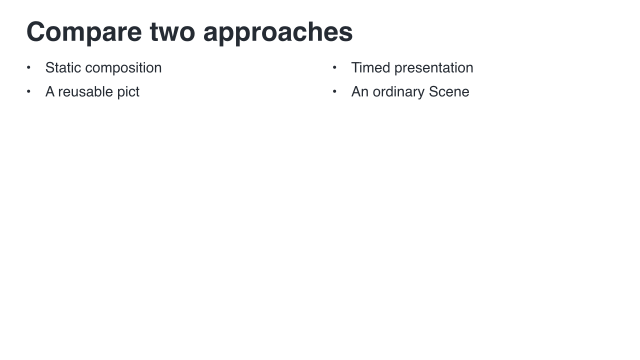 Widescreen: 16 by 9
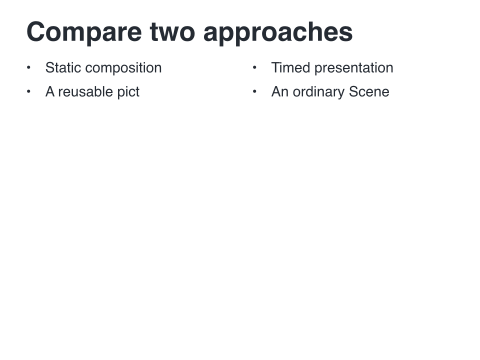 Standard: 12 by 9
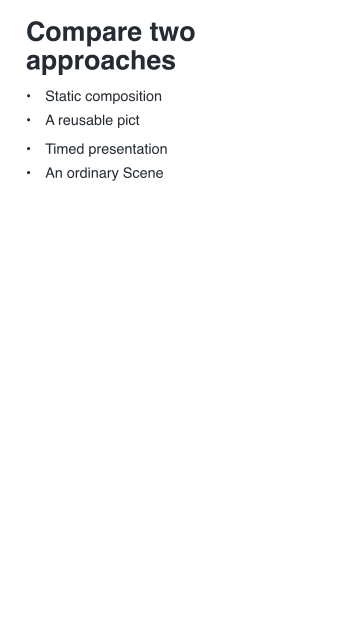 Portrait: 9 by 16
Alternative views of the same content, not consecutive frames.
3.4 Fit has three common meanings
’contain preserves proportions and keeps the whole figure visible. ’cover preserves proportions but crops to fill the region, where that content adapter supports cropping. ’natural keeps the prepared natural size and can report overflow.
Text normally wraps at its chosen font size rather than shrinking silently. Read the adapter’s reference entry: not every content type accepts every fit option.